Case study · Special Studies in Graphic Design · CyberAware
Who teaches everyday people to protect themselves online?
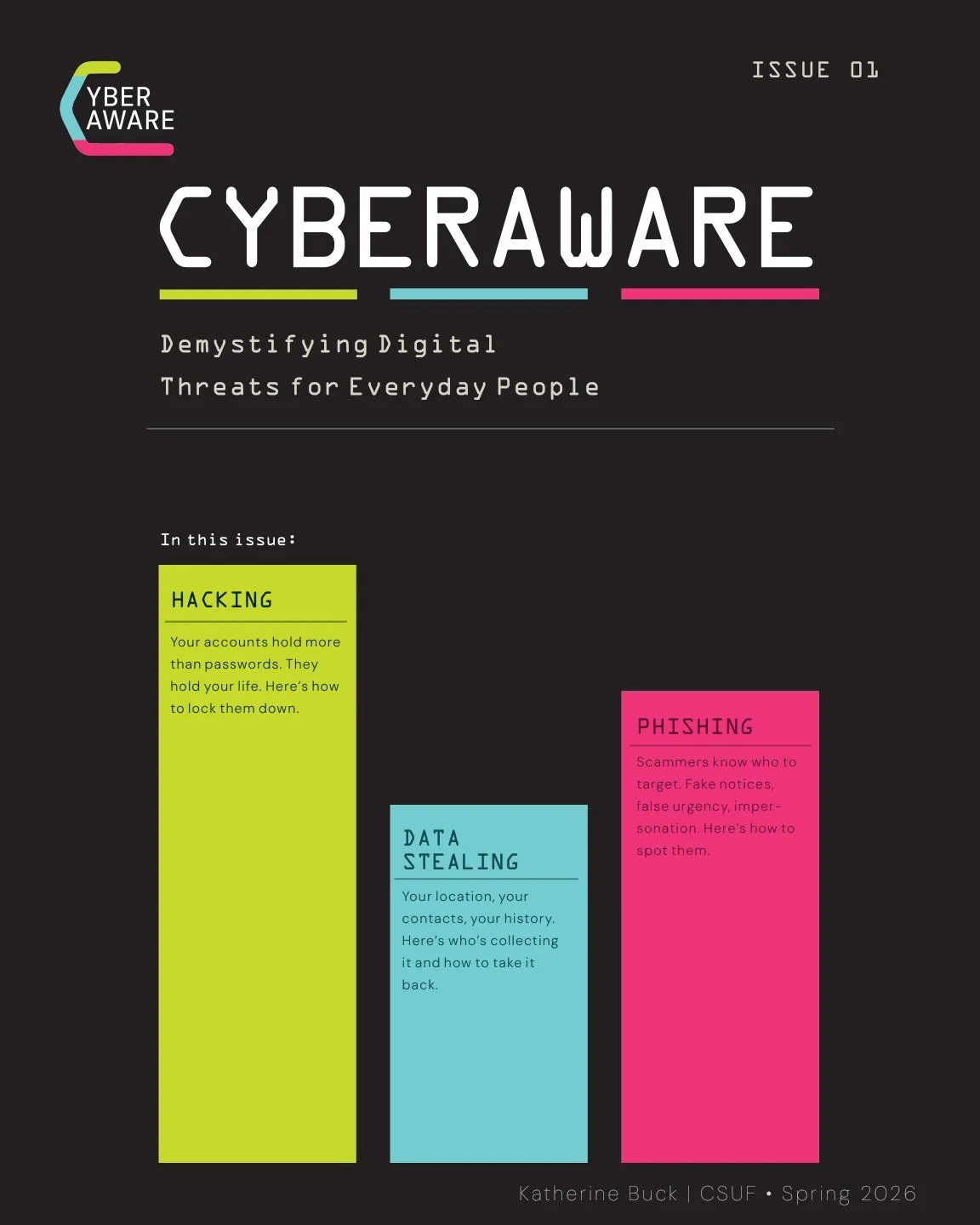
CyberAware is a cybersecurity awareness platform for people with no technical background. One entity, designed across screen and print: a website built around the three most common digital threats (data stealing, hacking and phishing), plus a printed zine that meets people where they’re most exposed.
My school was worried about students being located and deported. When I looked into how people are found, the answer kept coming back to their digital footprint, and almost nobody had been taught how to manage it.
Where it started ↓ What I didOne entity, screen and printA clickable website prototype with three working activities and 15 real free guides, plus the name, the identity, a 20-page zine and 10 cover concepts.
The work ↓ What happenedGraded, then finishedPresented and graded at CSUF in May 2026. In the fall I finished the prototype: free for everyone, real guides, one working activity per threat. Not yet published.
The outcome ↓
01 · Where it started
Why would a graphic design student research how people get found? Because the people around me were already asking.
In spring 2026, my school and my professor were openly worried about students being detained and deported by ICE. I wanted to understand how that actually happens: how someone gets located in the first place. The research didn’t lead where I expected. Much of it had nothing to do with anything dramatic. It came down to the trail people leave without realizing it: location data sold by apps, public profiles, reused passwords, information quietly compiled by data brokers.
That changed the project for me. This is a politically charged topic, and I didn’t set out to take a side in it. What struck me was simpler: the people with the most at stake were the least likely to have ever been taught how any of this works, and the resources that did exist were written for IT professionals.
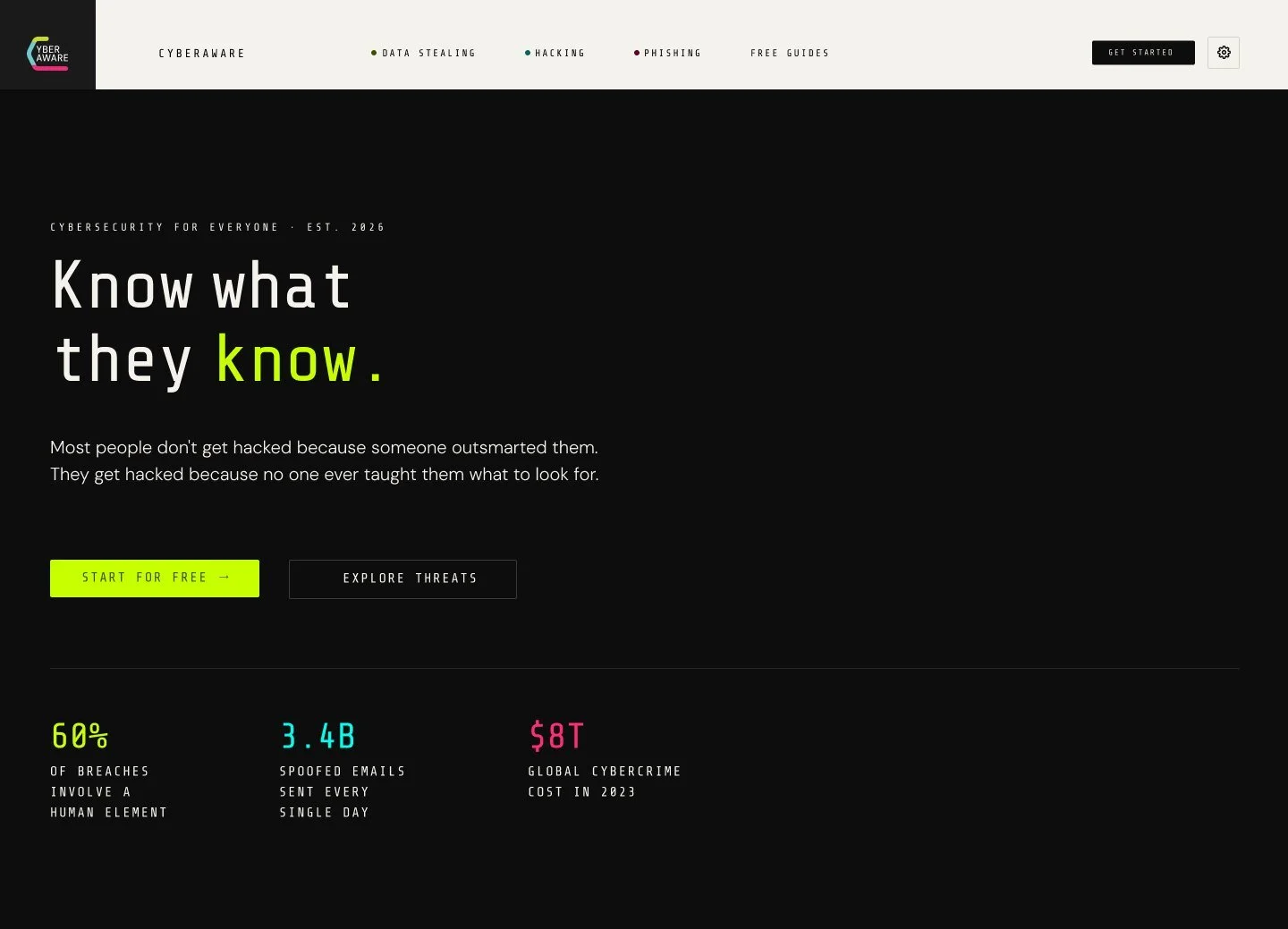
Most people don’t get hacked because someone outsmarted them. They get hacked because no one ever taught them what to look for.The line that became the CyberAware home page
But “protect your digital footprint” is a huge, vague idea. Who exactly was I designing for?
02 · Audience
Who is this actually for? People with the most to protect and the least access to help.
Demystify digital threats for everyday people, so they can recognize, avoid and respond to common risks before they become victims.
- 01Complete beginners: non-technical, everyday people
- 02Communities navigating high-stakes digital risk
- 03People afraid of digital exposure because of immigration status
- 04Anyone who was never taught what to look for
Existing cybersecurity education is dense, full of jargon and aimed at professionals. My audience isn’t going to read a NIST guideline. They’ll read a table card next to the coffee shop WiFi password, or a magazine left in a library.
Knowing who it was for made the next problem obvious: “cybersecurity” is endless. Where do you even start?
03 · Scope
How do you make an endless topic learnable? Cut it to three threats, and make each one something you can do.
Those three became the pillars that organize everything, from the website nav to the zine sections to the color system. Every pillar has activities you can practice, because recognizing a phishing email is a skill, not a fact.
Data stealing
How personal information is harvested without consent.
- What Do They Know About You?
- Permission Check
- WiFi Trap
Hacking
Account takeovers and password attacks, which mostly come down to human error, not elite coders.
- How Strong Is That?
- The Breach Check
- The Call
Phishing
The most common way in, through email, SMS and DMs.
- Spot the Phish
- Real Mail?
- Safe Link or Trap?
- Instagram DM Game
“There are a lot more areas I could focus on… but I want to focus on these three for now.” From my first idea doc, February 2026
Three pillars gave the content a structure. Next was what it should look and sound like.
04 · Research
What has design already figured out about warning the public? Treat information as a tool, and make it impossible to ignore.
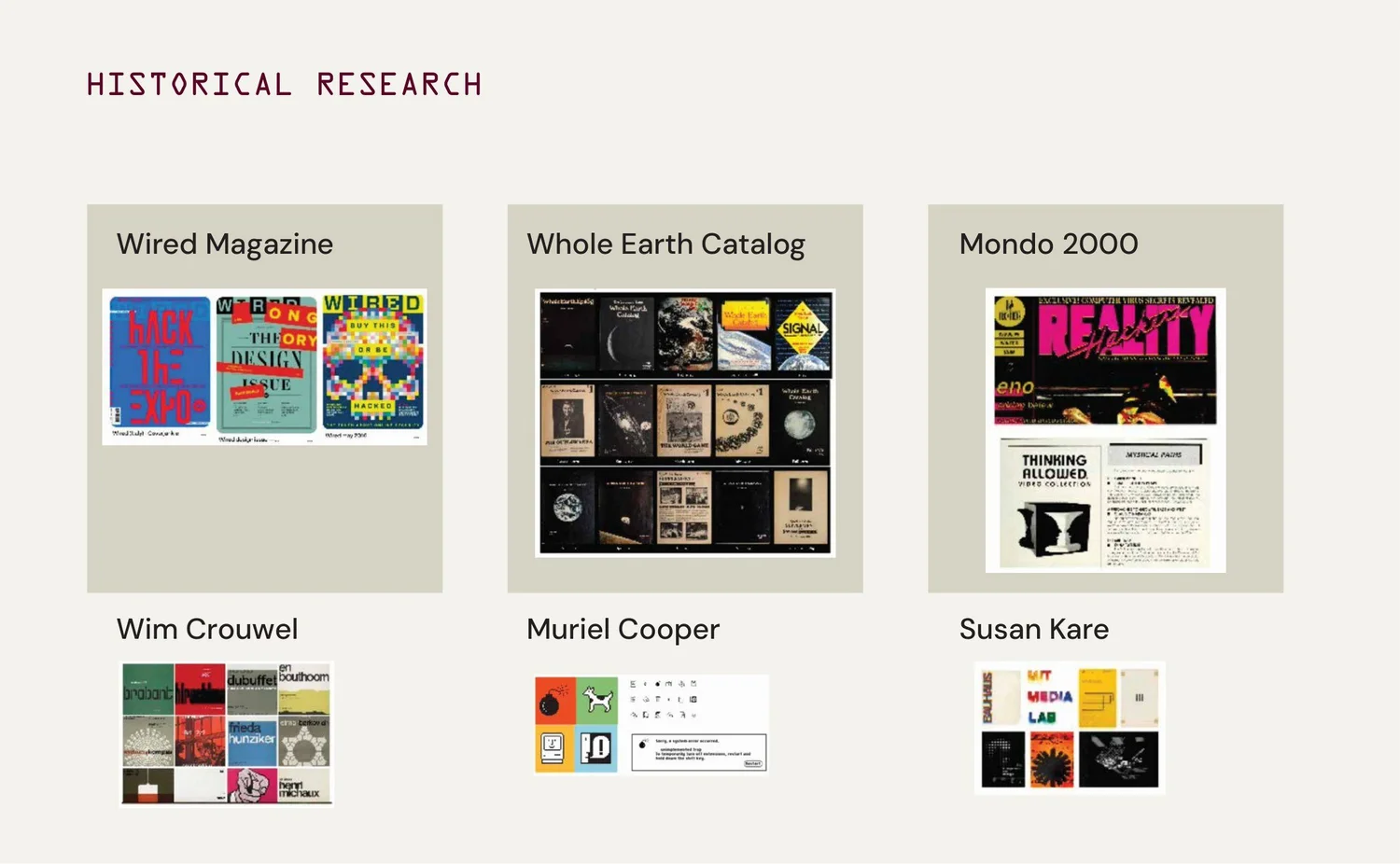
My historical research board from the final presentation.
Publications
- Whole Earth Catalog1968–72
- “Access to tools.” Dense, practical information for non-experts, without dumbing it down.
- Wired1993–
- Made abstract technology feel urgent and personal with aggressive color and contrast.
- Mondo 20001989–98
- The cyberpunk side: digital culture as weird and human, not just corporate.
Designers
- Wim Crouwel
- Grids and machine-readable letterforms. Design in service of information.
- Muriel Cooper
- Information architecture before the web. Let the structure shape the form.
- Susan Kare
- Proof a computer can feel friendly, through simple, universal icons.
I also looked at mid-century public-information posters, which already solved my exact problem: making an invisible threat feel real to an untrained audience, with bold type and minimal copy.
Those references all pointed to something people could use, not just read. What would that look like on a screen?
05 · The website
What does a platform need beyond articles? A place to practice, and a reason to come back.
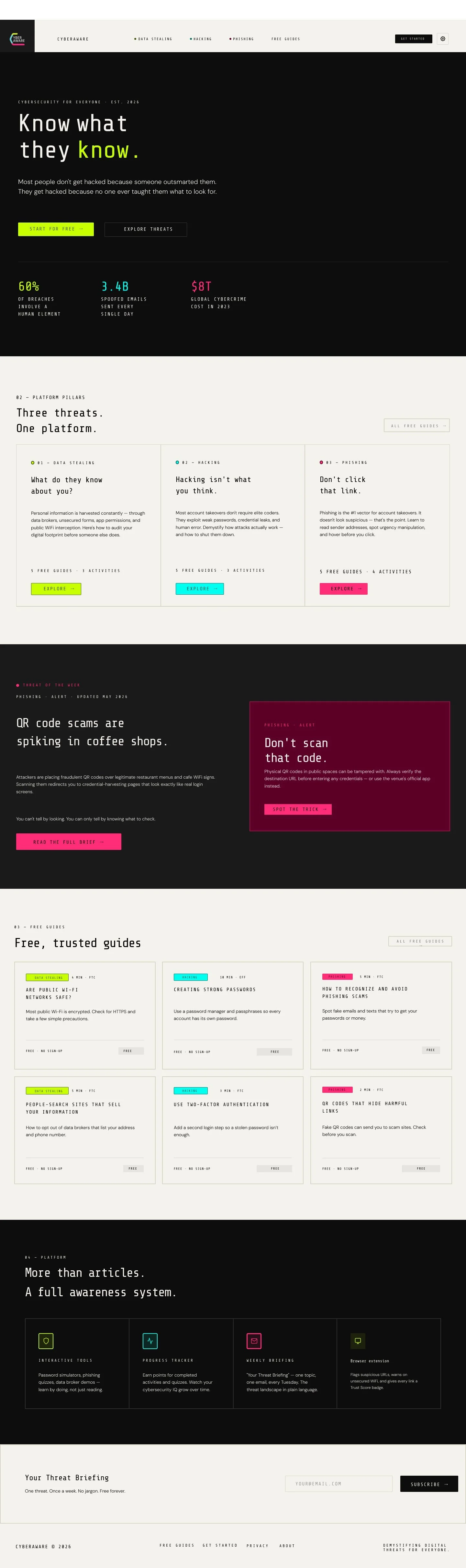
Scroll the full home page. Hero stats: 60% of breaches involve a human element, Verizon DBIR (2025); 3.4B spoofed emails a day, Valimail (2019); $8T cybercrime cost projected for 2023, Cybersecurity Ventures.
22 screens in Figma, linked into one clickable prototype. It’s the hub every other piece points back to.
- Pillar pagesEach opens with its question, like “What do they know about you?”, then offers activities to try and free guides to read.
- ActivitiesOne working activity per threat. Every answer shows what to look for, and each one ends with a free guide to go deeper.
- Free guides15 real articles from the FTC, the EFF and other trusted sources, most also in Spanish. Each opens on the original site.
- Threat of the WeekA timely alert, like QR-code scams in coffee shops, that ties back to the print pieces.
- Progress and settingsA Cybersecurity IQ score, a pillar focus for your feed, browser-extension toggles and reading-level labels.
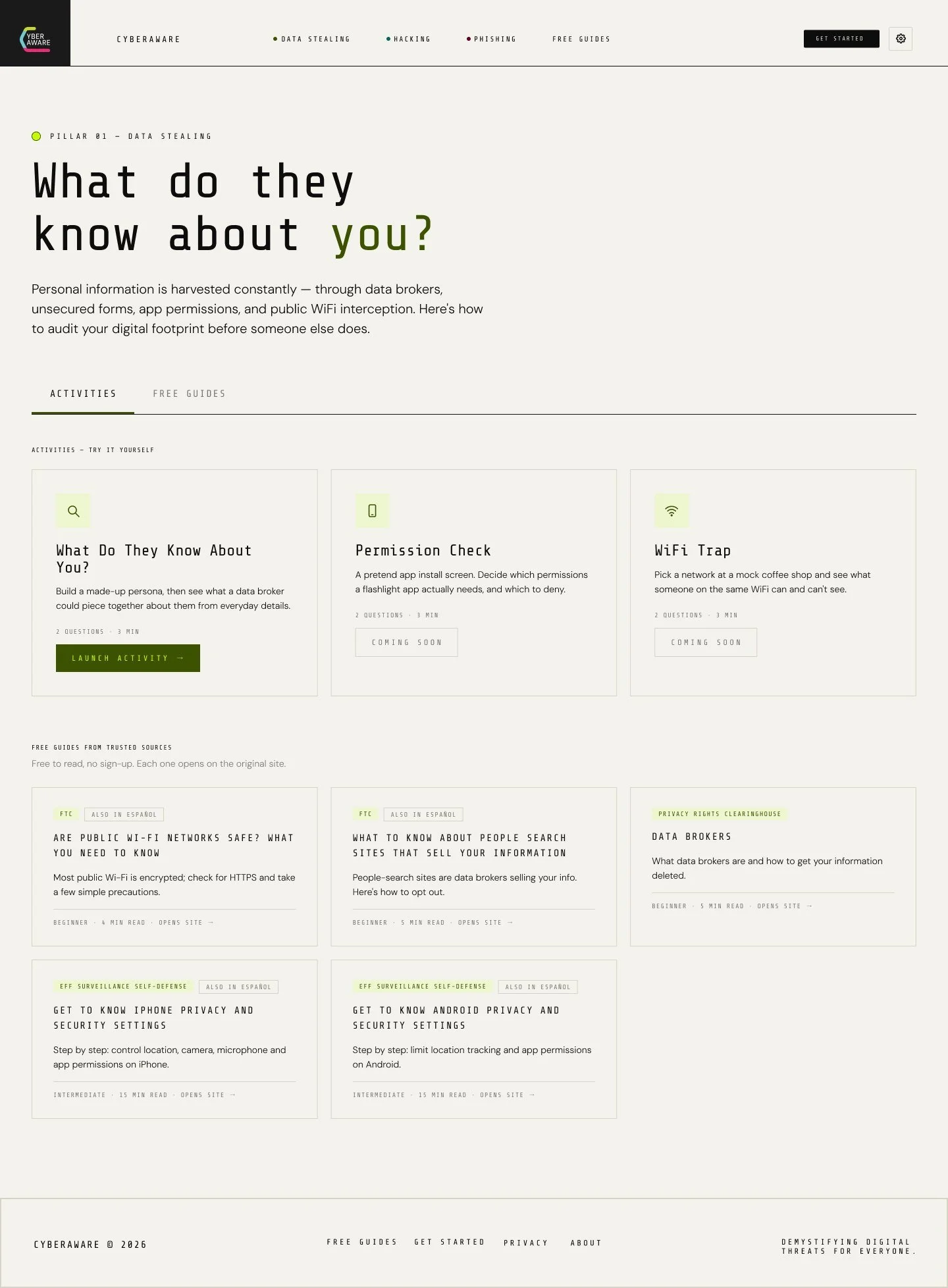
Pillar page: activities and free guides
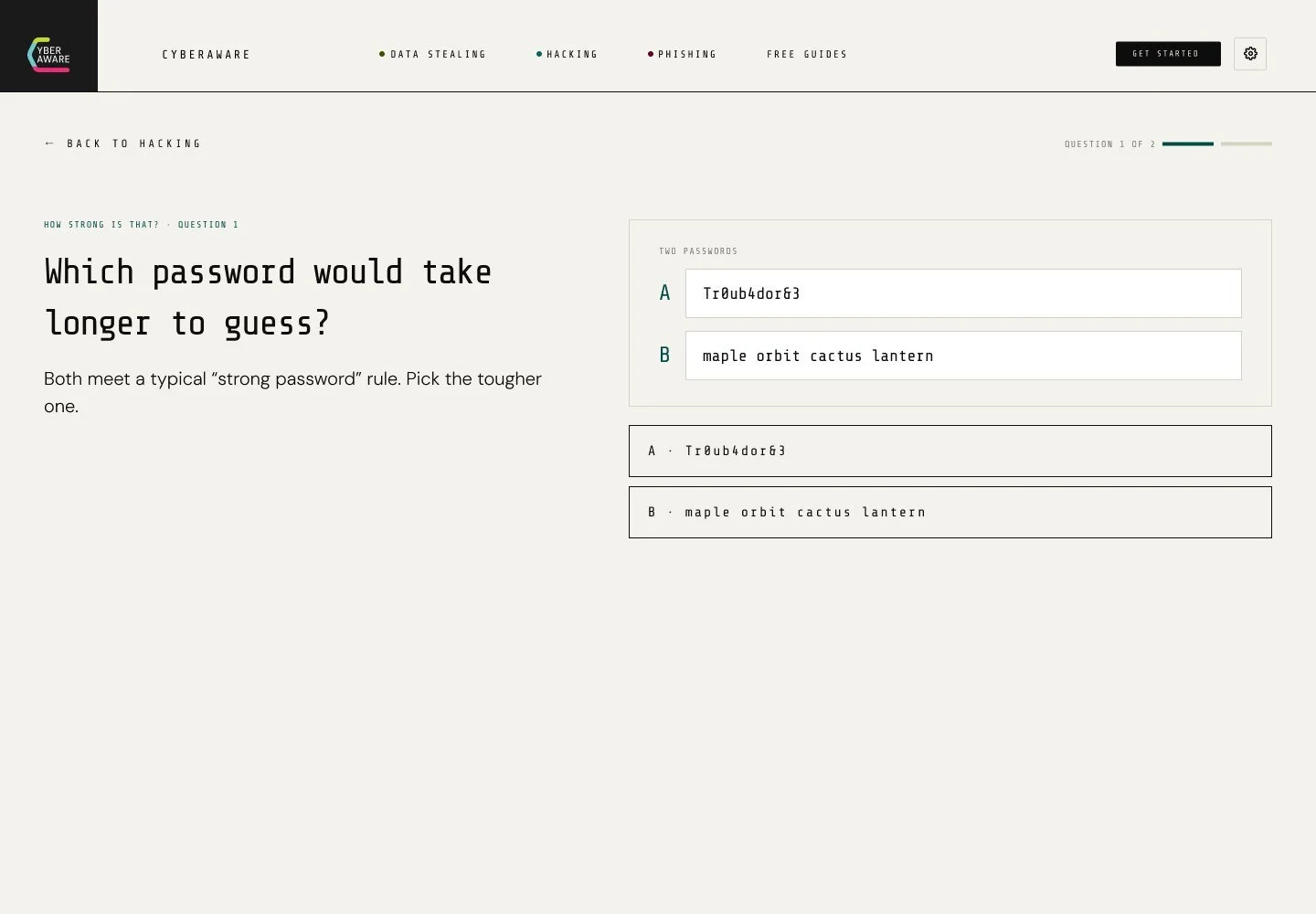
Activity question: How Strong Is That?
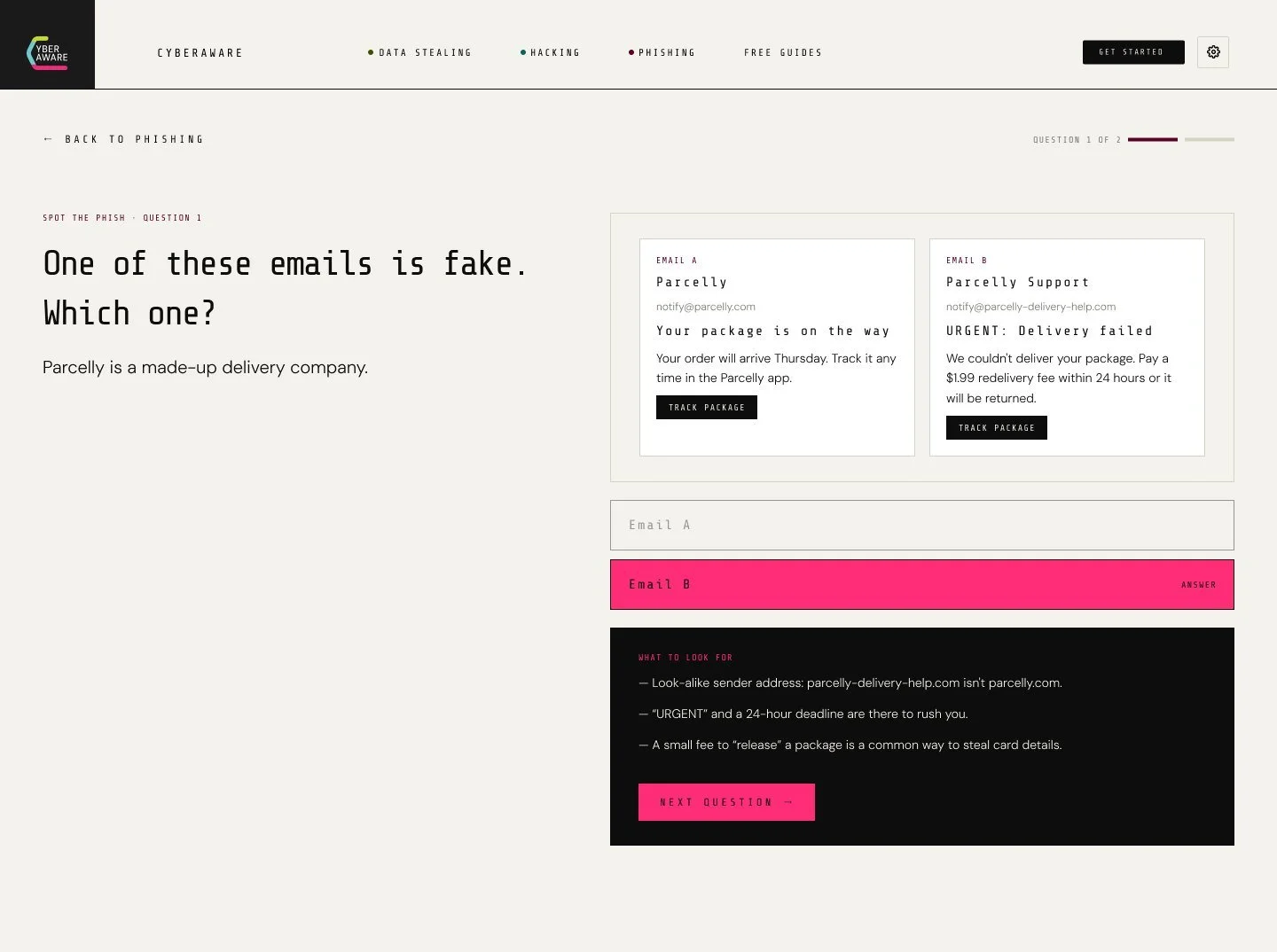
Answer screen: Spot the Phish
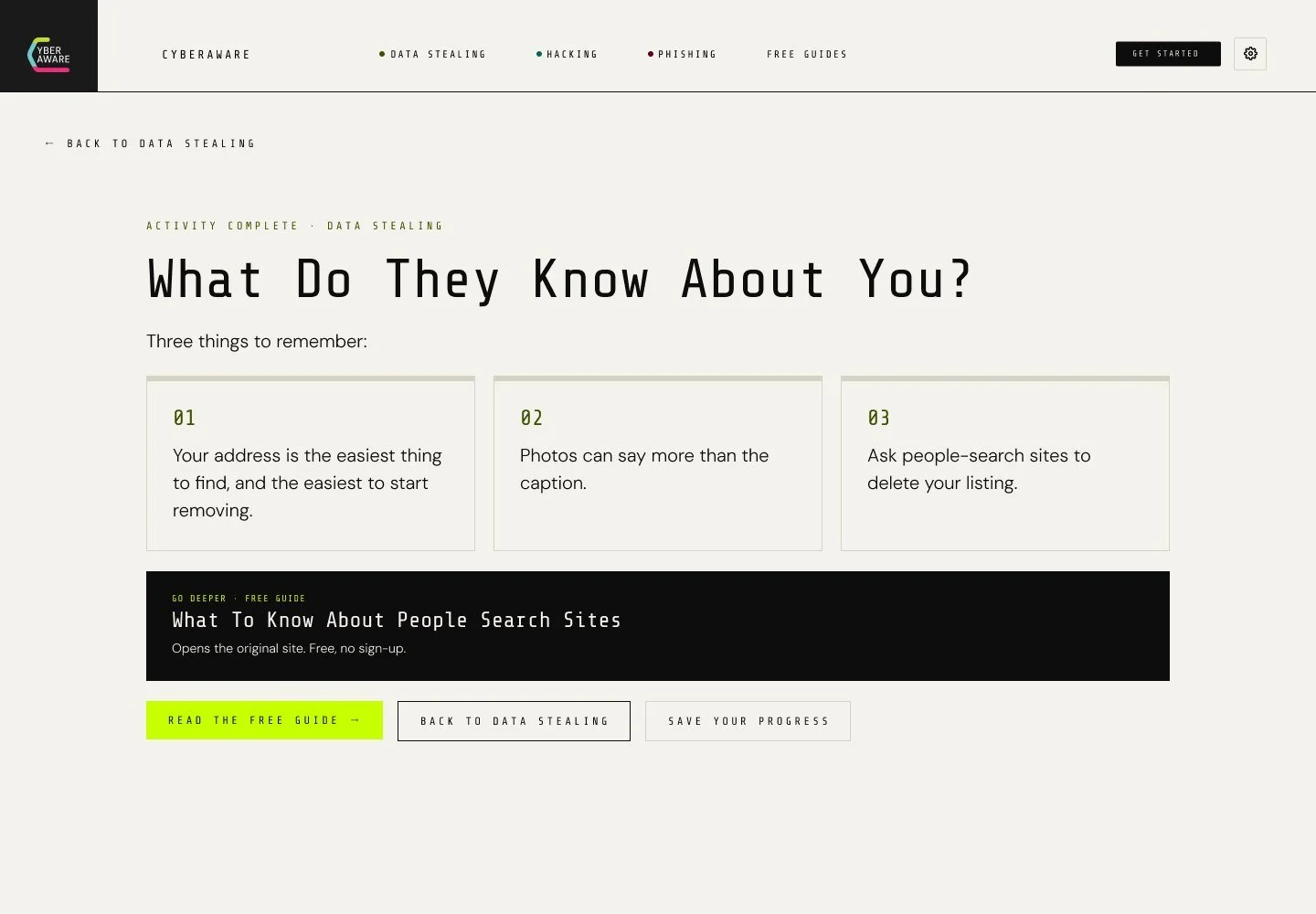
Results: three takeaways and a free guide
After the class · Fall 2026
The graded version charged for it.
My spring prototype had a $5-a-month tier that locked most of the activities. For an audience without resources, that contradicted the whole point. When I came back to finish the prototype, I made everything free, replaced my placeholder articles with real guides, and built one working activity for each threat.
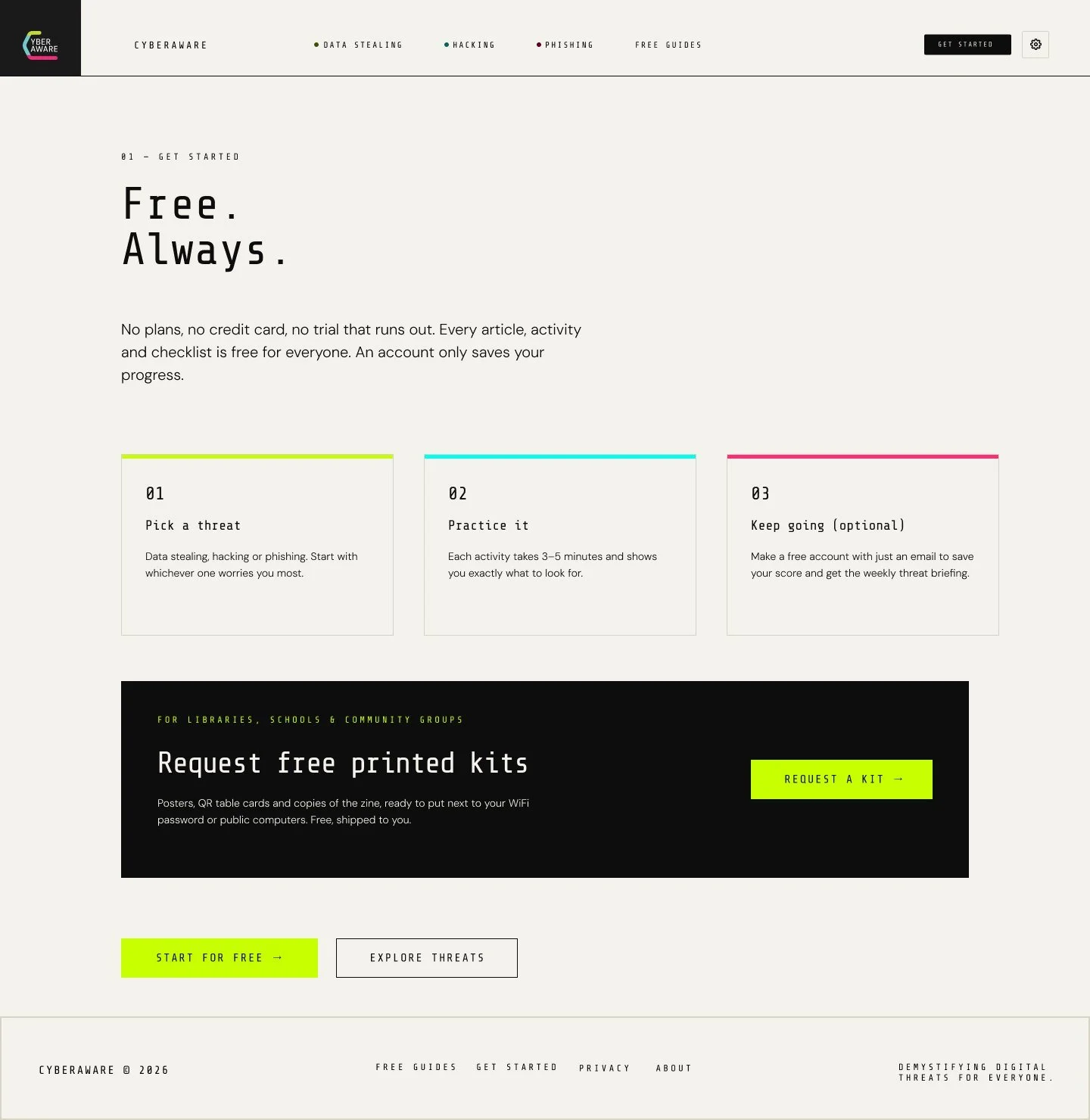
Get Started, rebuilt: free for everyone, plus free printed kits for libraries and schools.
Every screen speaks the same visual language. How do you make cybersecurity look technical without feeling cold?
06 · Identity
How do you look technical without feeling cold? Machine type for the voice, human type for the reading.
The rule I wrote in the brief: “The platform should feel like a knowledgeable friend, not a government warning.” Urgent enough to act on, never so scary it paralyzes.
Designed in 1966 to be read by machines. It carries the feeling of data and surveillance, which is exactly the tension the subject needs.
Everything people actually read is set in a warm, open sans so the long explanations stay easy.
Ink and Paper do most of the work. Each pillar gets a signal color plus a dark partner for text: lime for data stealing, cyan for hacking, pink for phishing. Once you’ve used the site, the color tells you which threat you’re reading about.
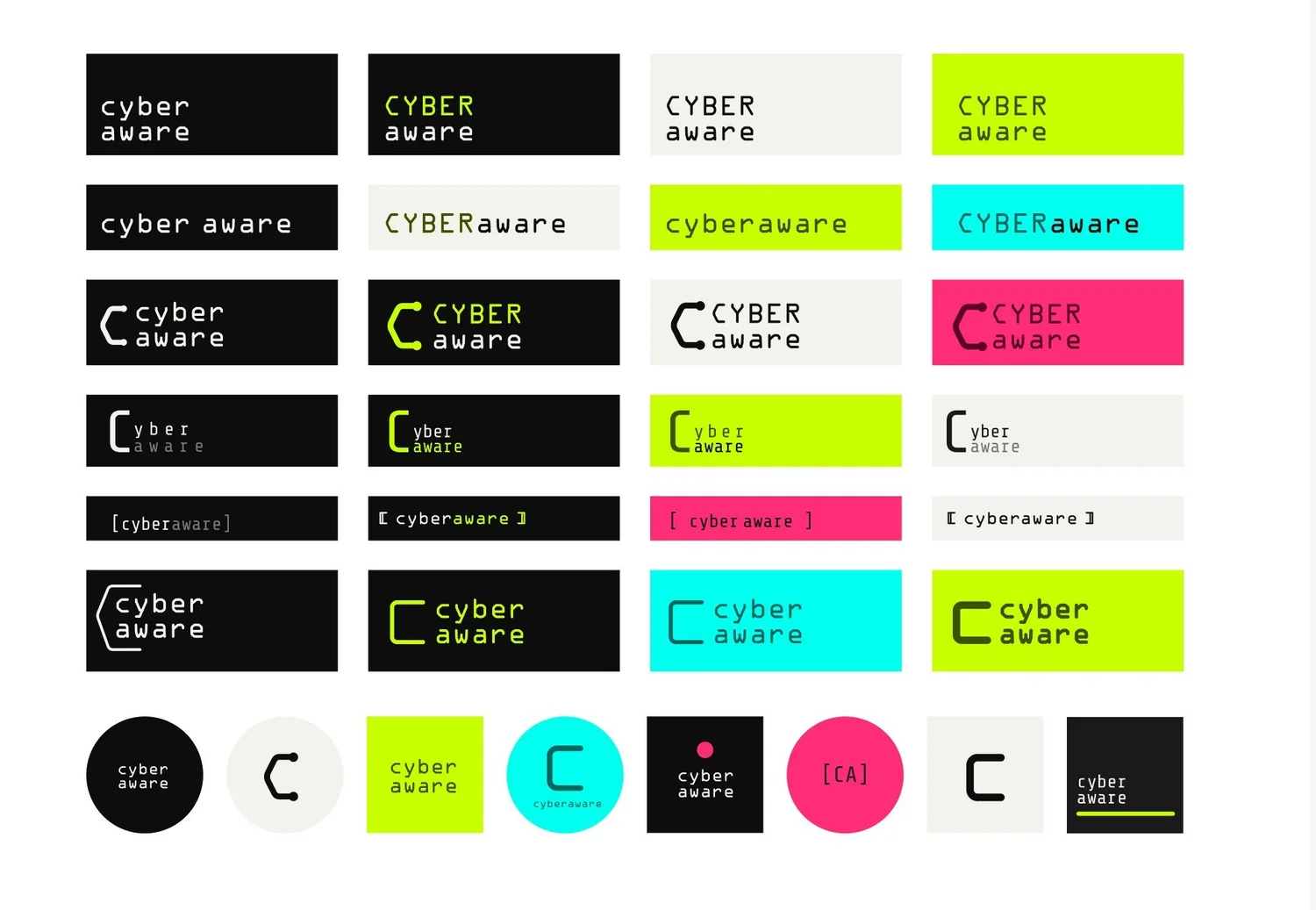
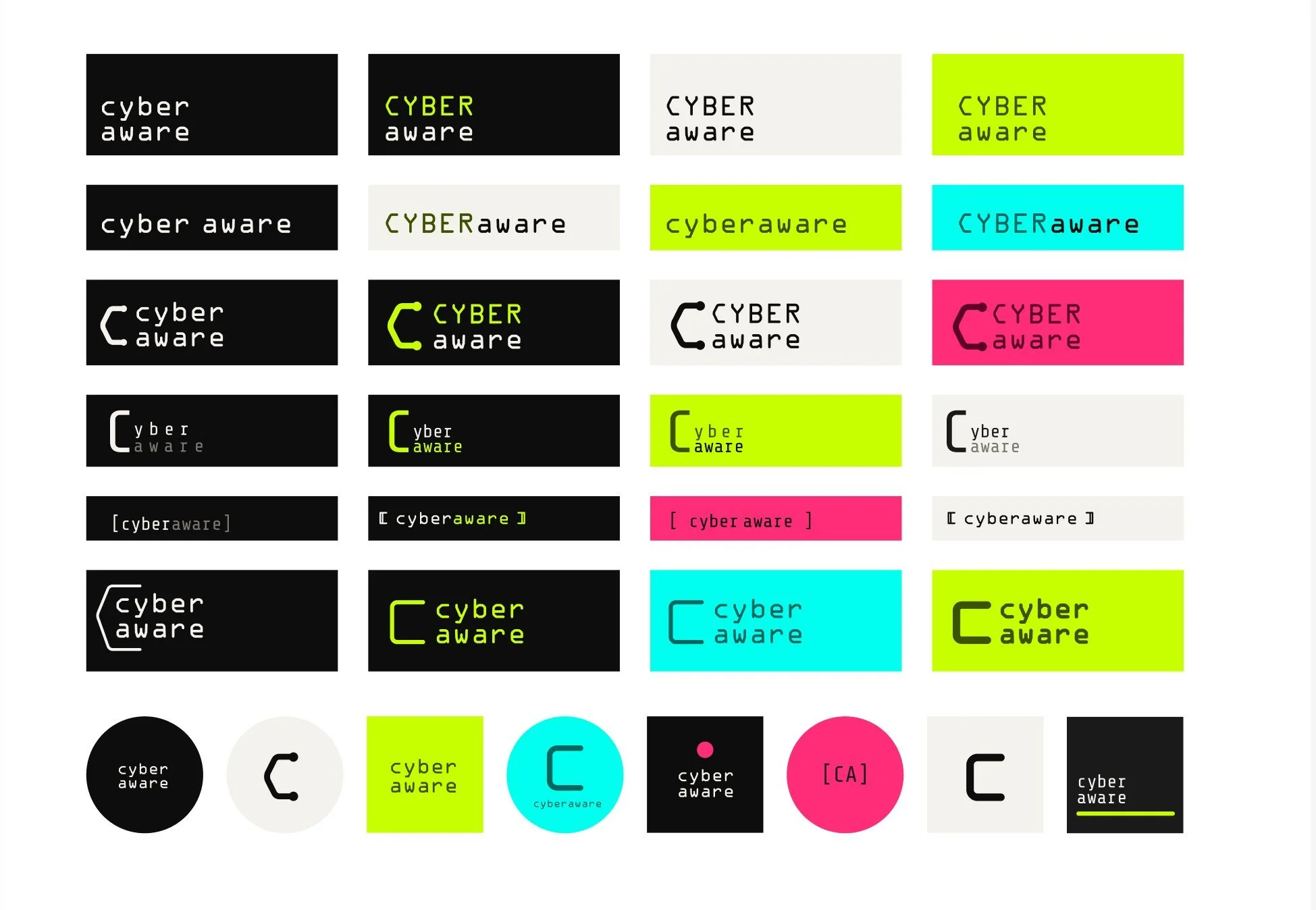
Logo exploration in Figma.
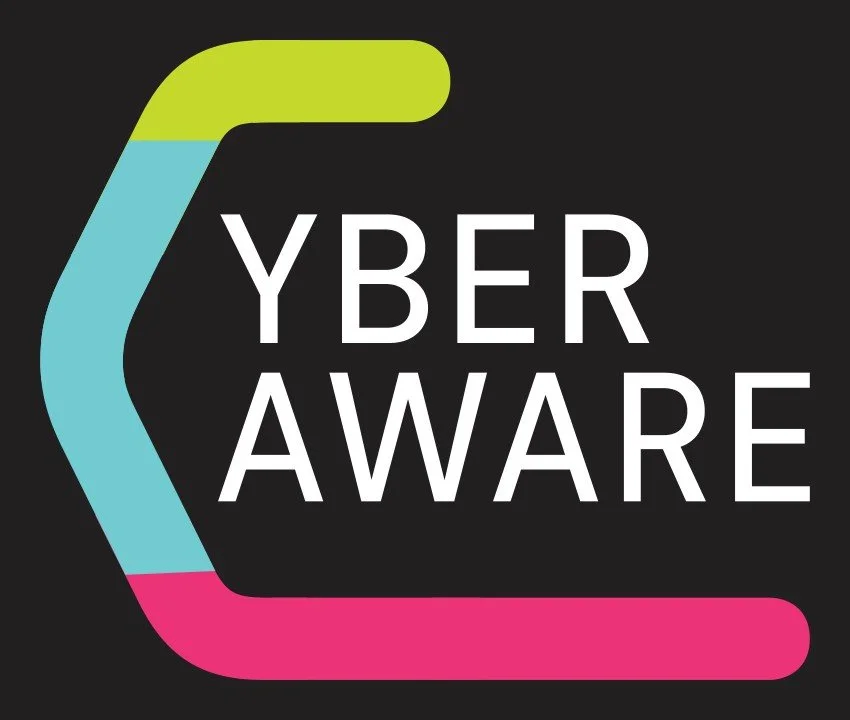
The final mark: a bracket-shaped “C” in the three signal colors, wrapping the wordmark like code, or a protective shell.
But an identity that only lives on screens misses the moments people are most exposed. How do you reach them offline?
07 · Offline
How do you reach people at their riskiest moments? Meet them offline, then hand them to the right screen.
Joining café WiFi, logging into a library computer, setting up a new phone in a carrier store: I wanted CyberAware to show up in those exact spots.
- 01 · At the café
A table card beside the WiFi password: a short warning and a QR code.
- 02 · Scan
The code skips the home page and opens the one guide that matters right now.
- 03 · The right screen
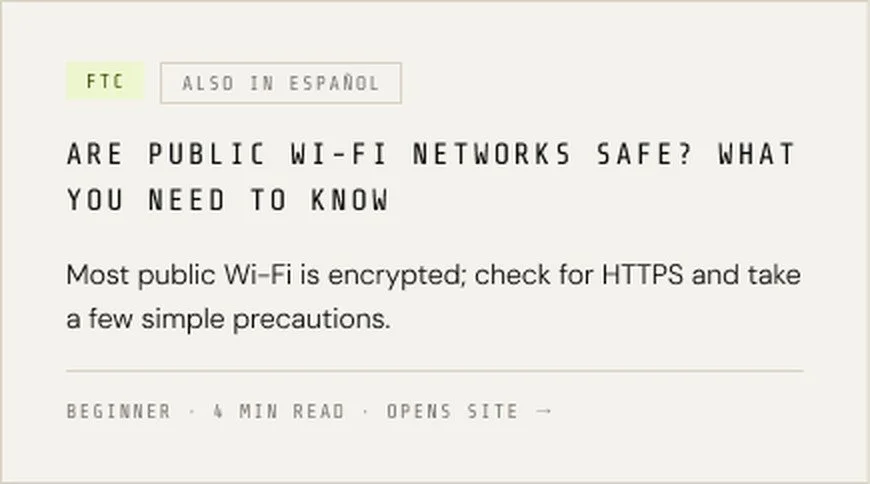
The table cards were part of the plan, not yet printed. The guide card is from the finished prototype and opens the FTC’s free article.
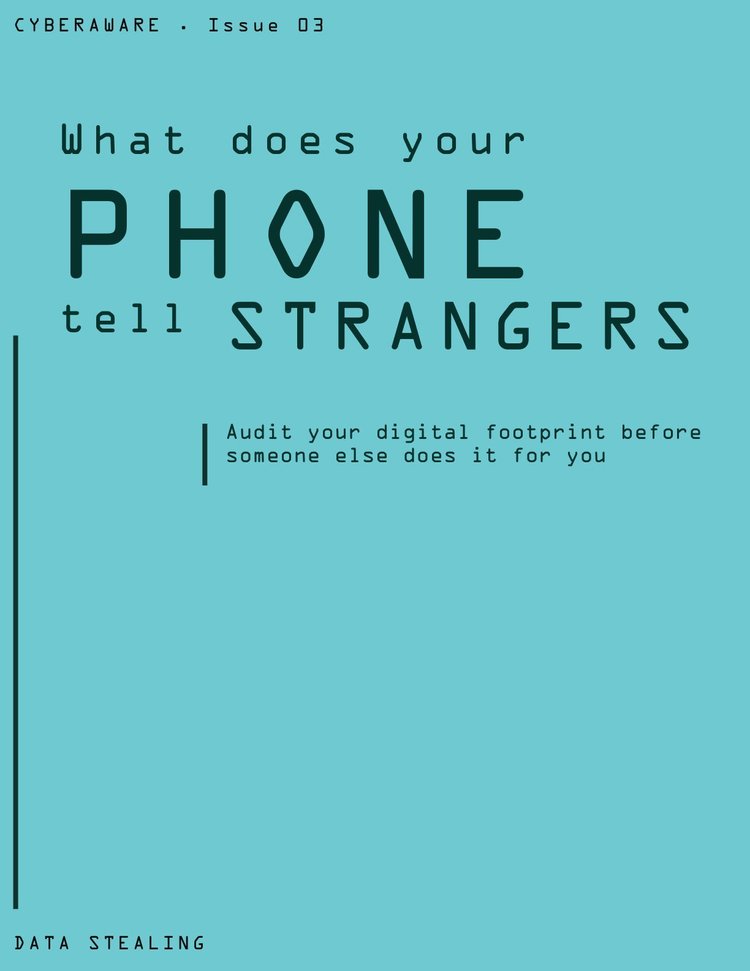
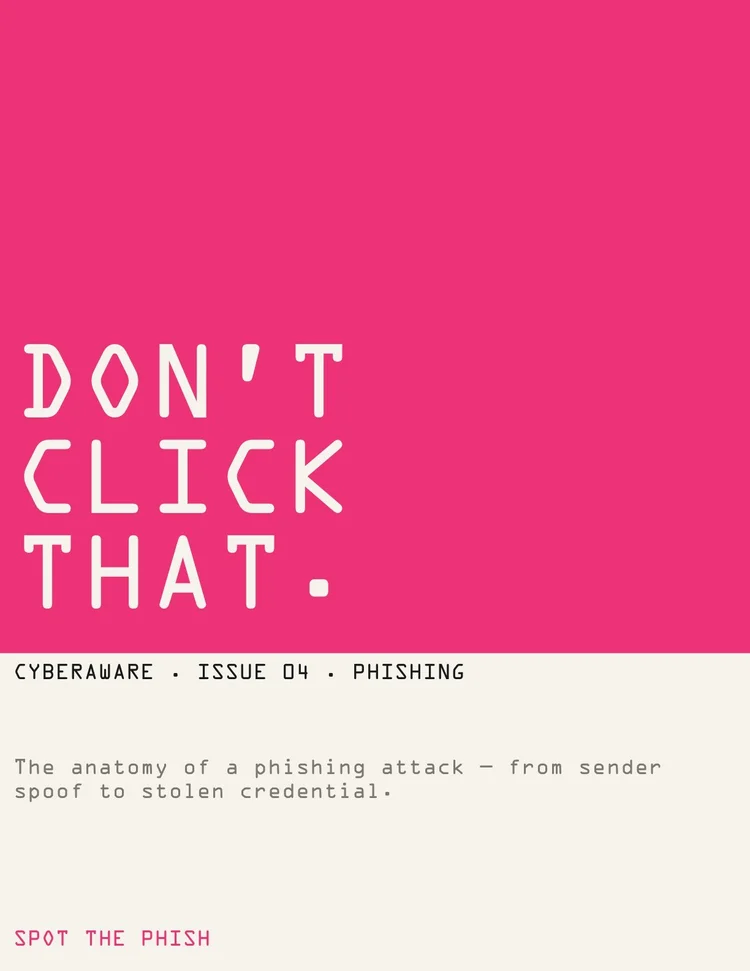
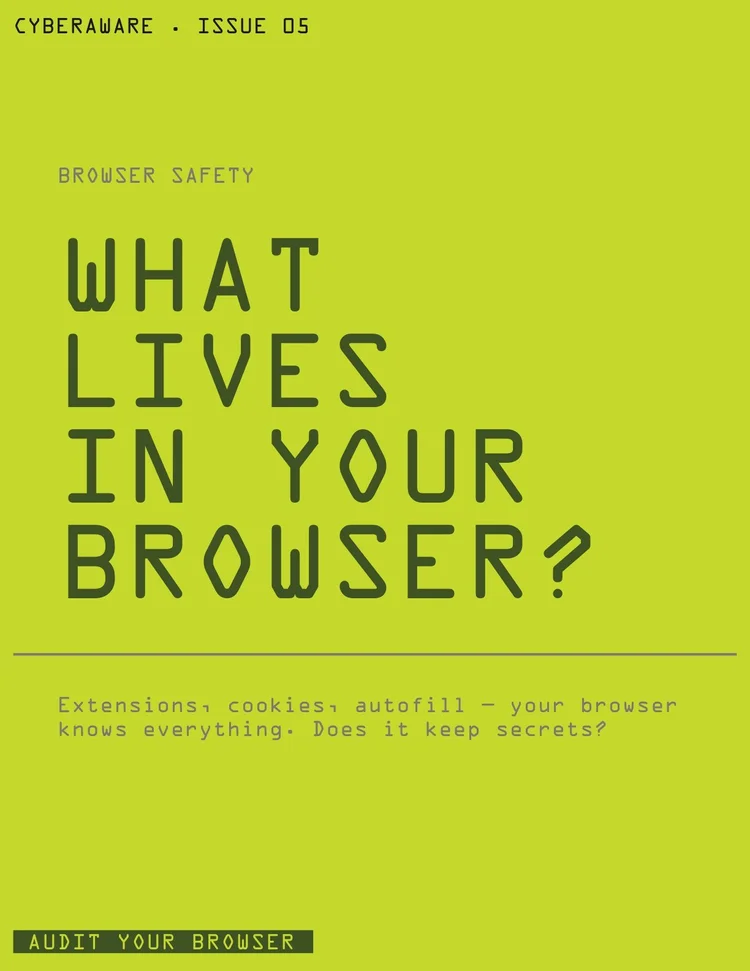
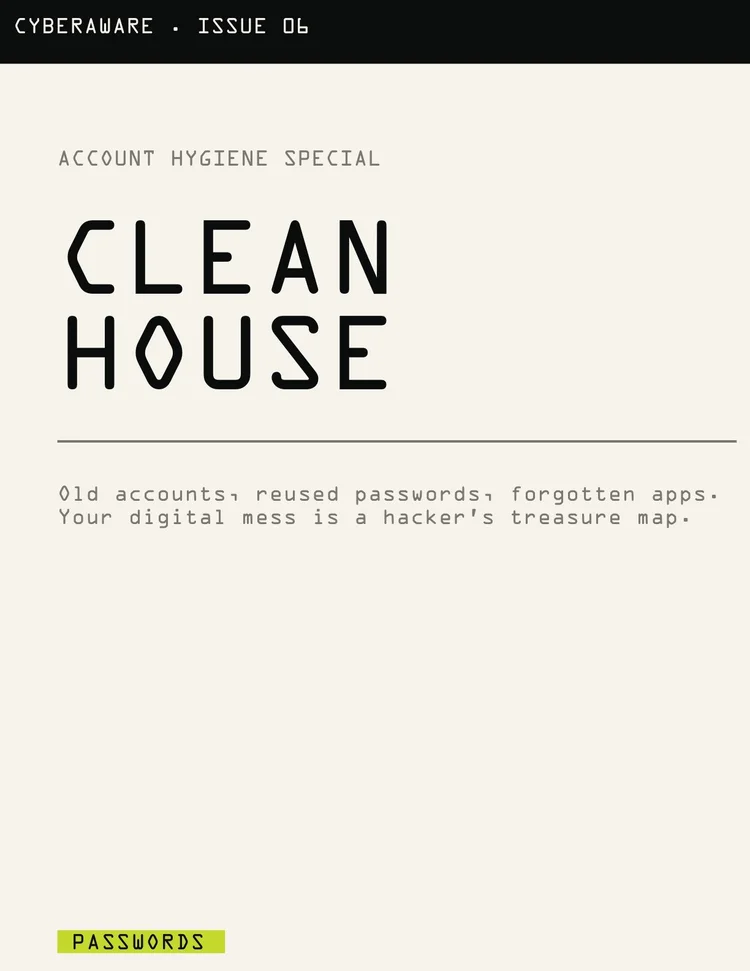
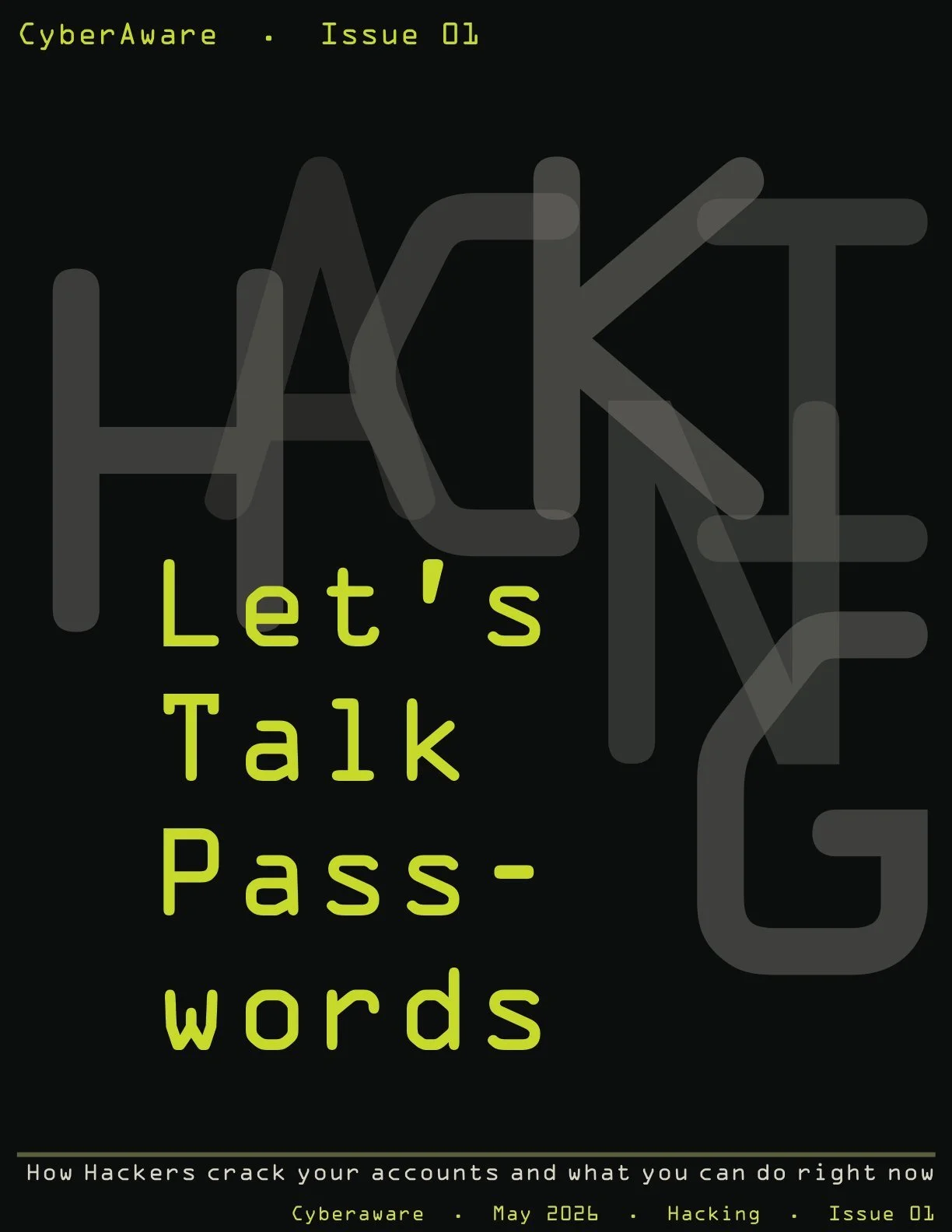
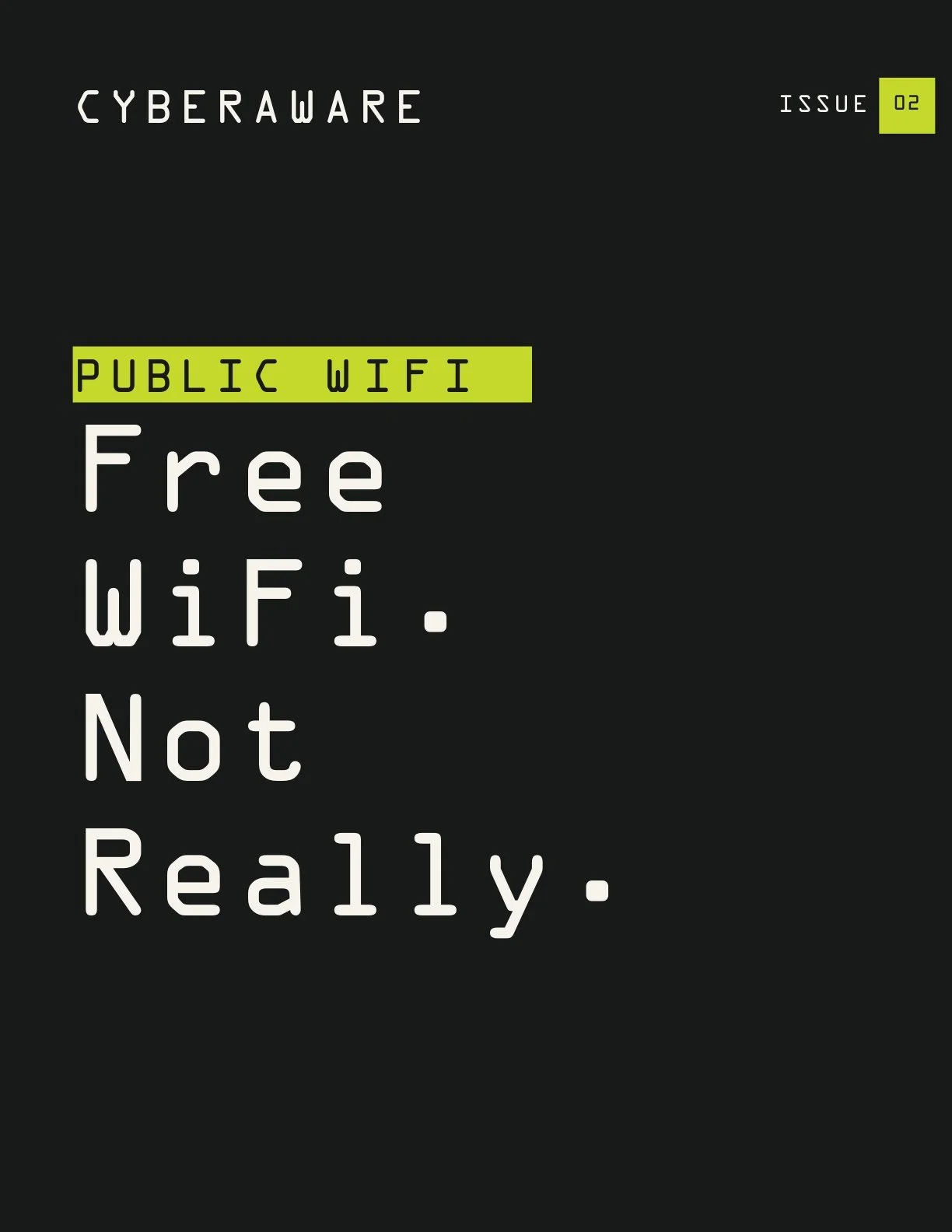
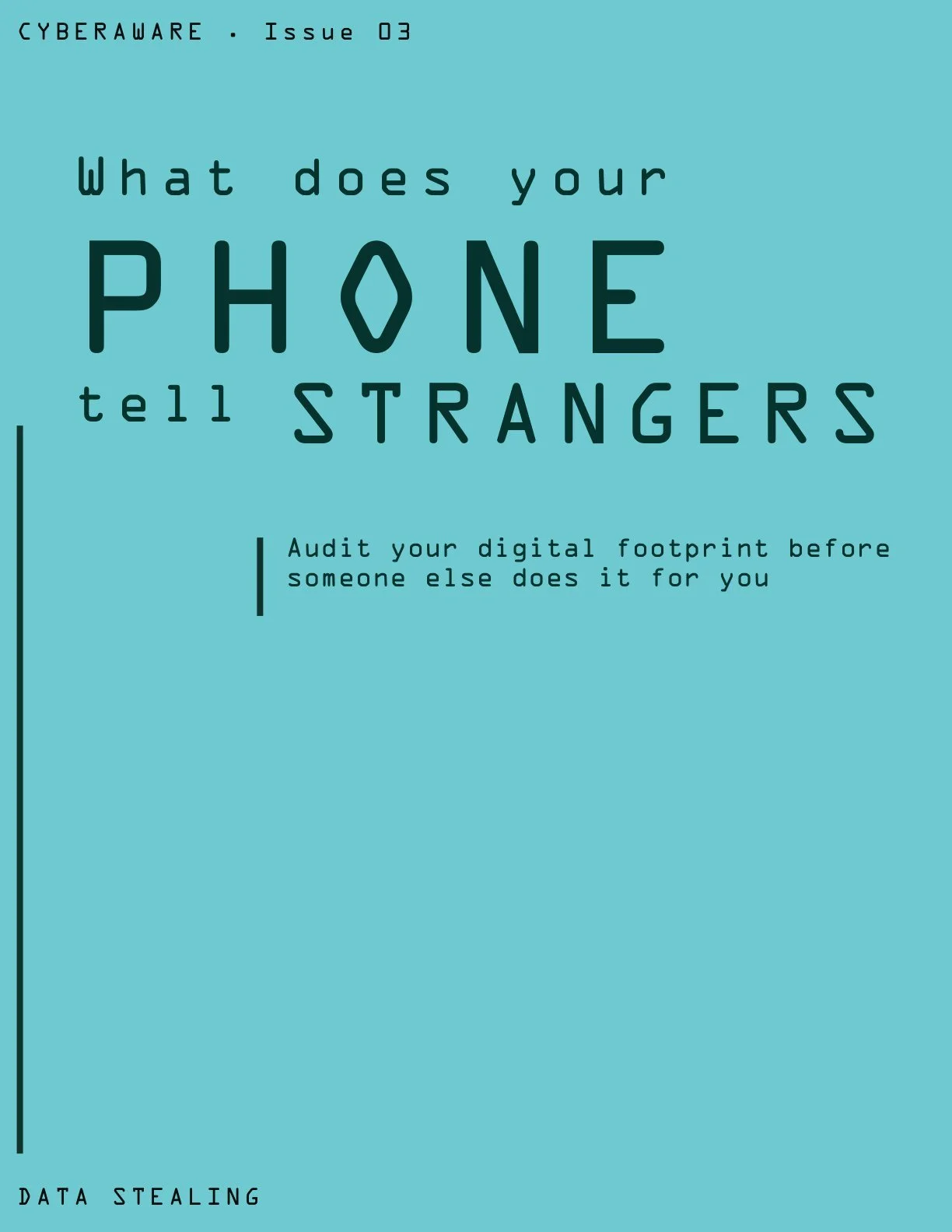
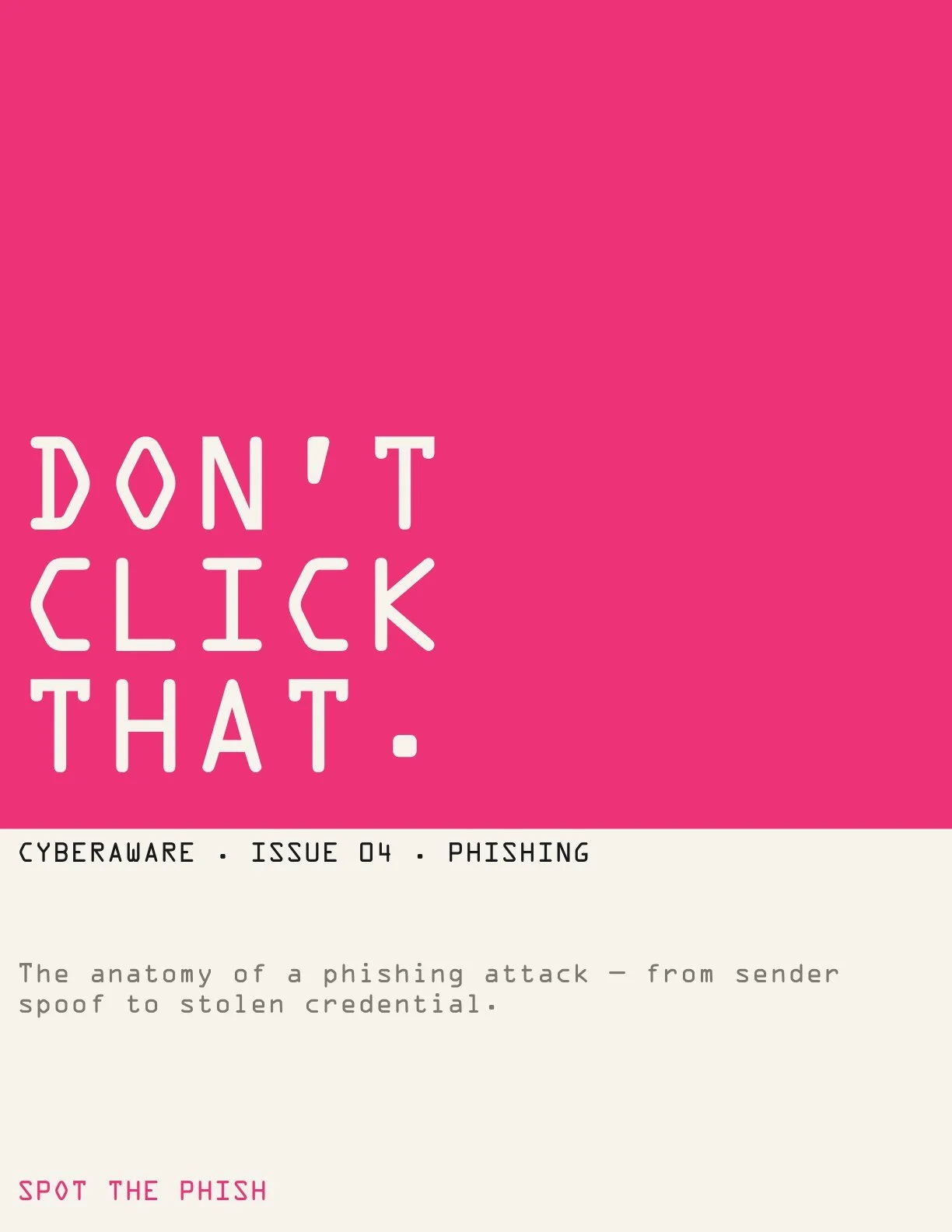
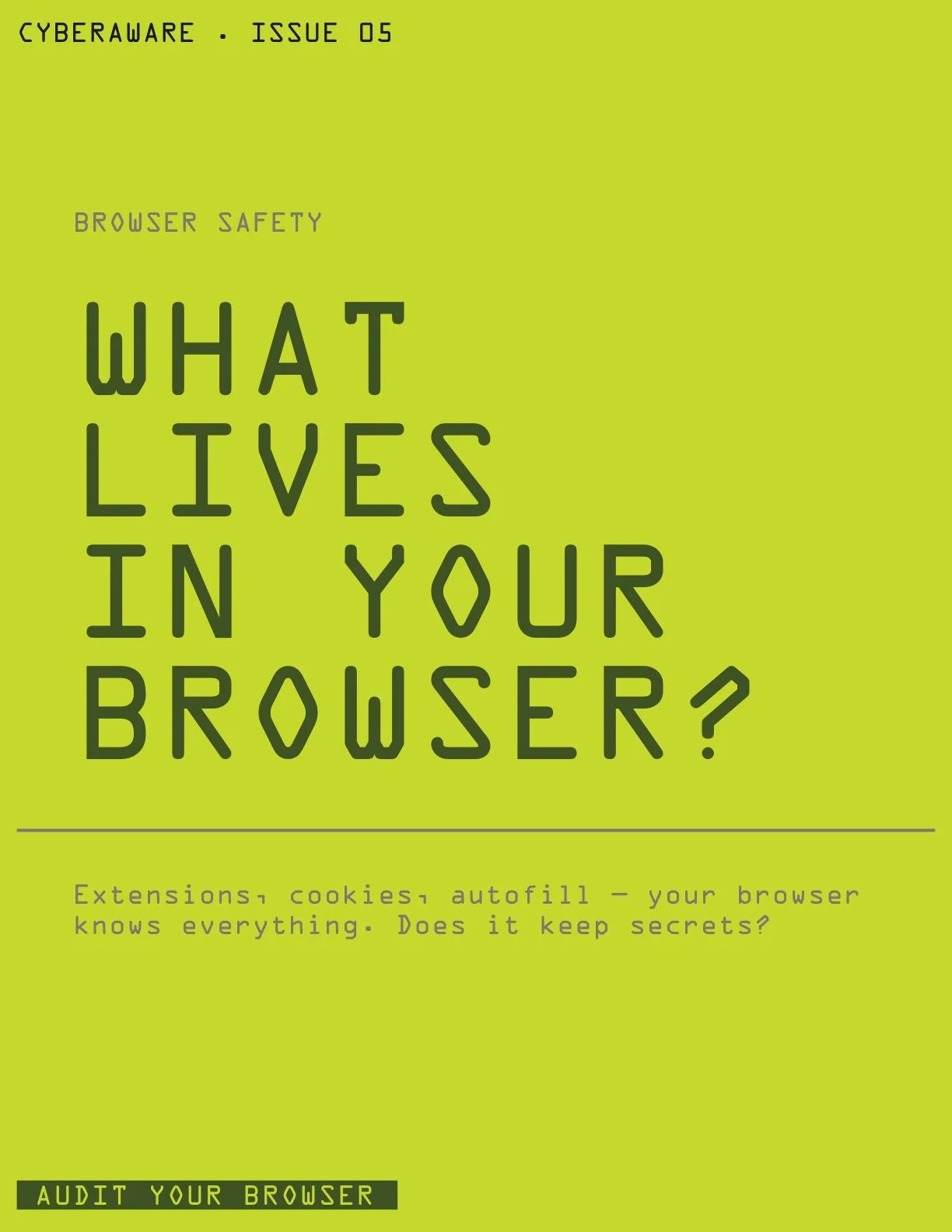
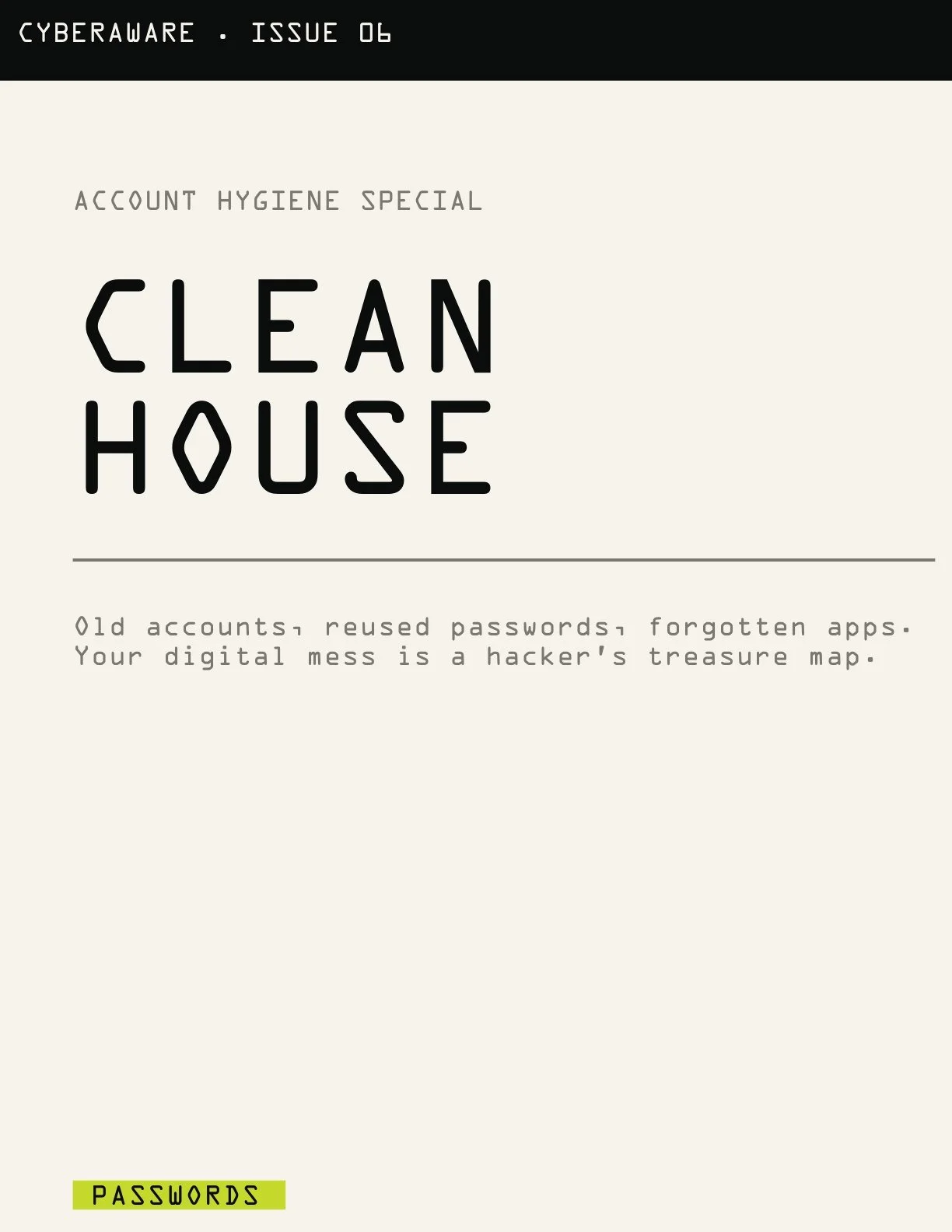
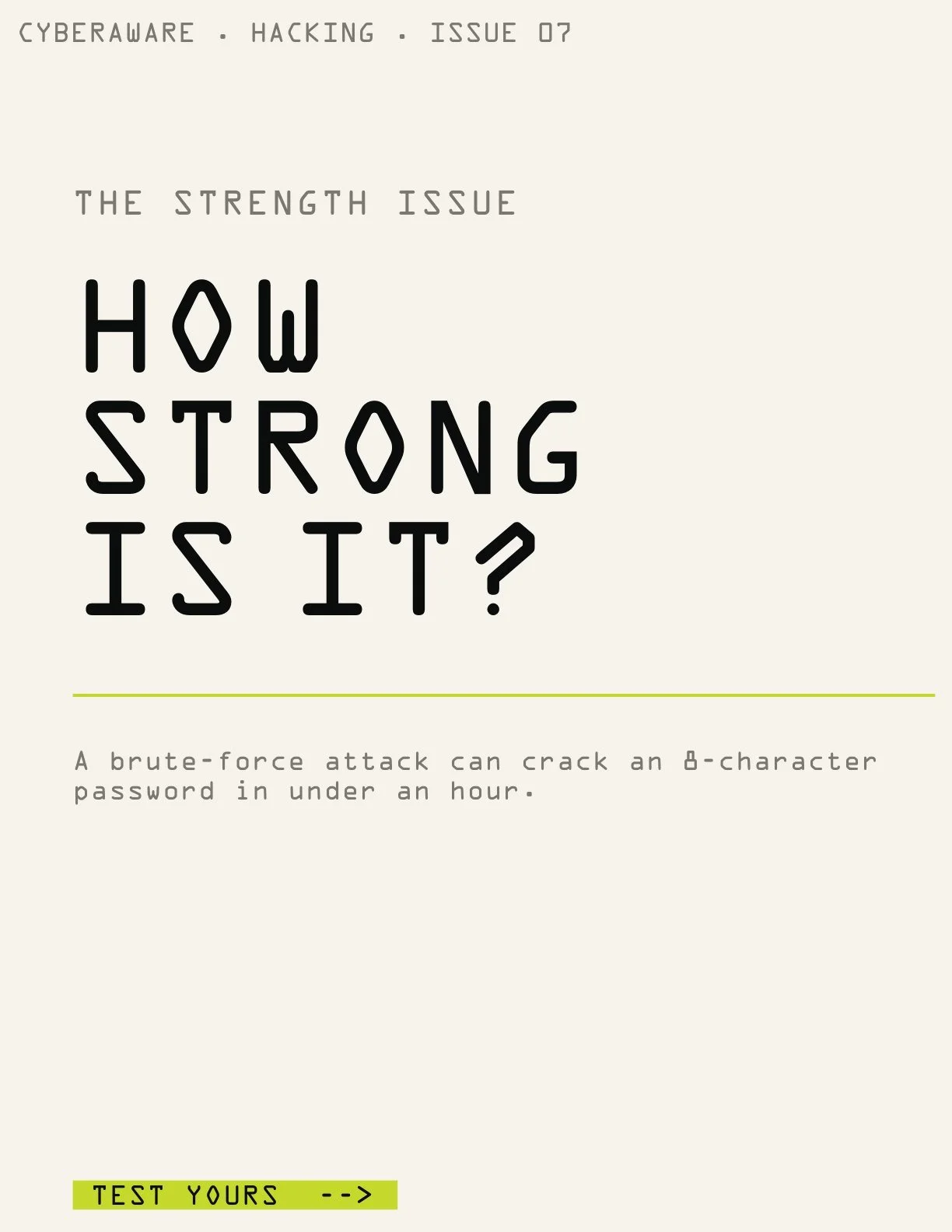
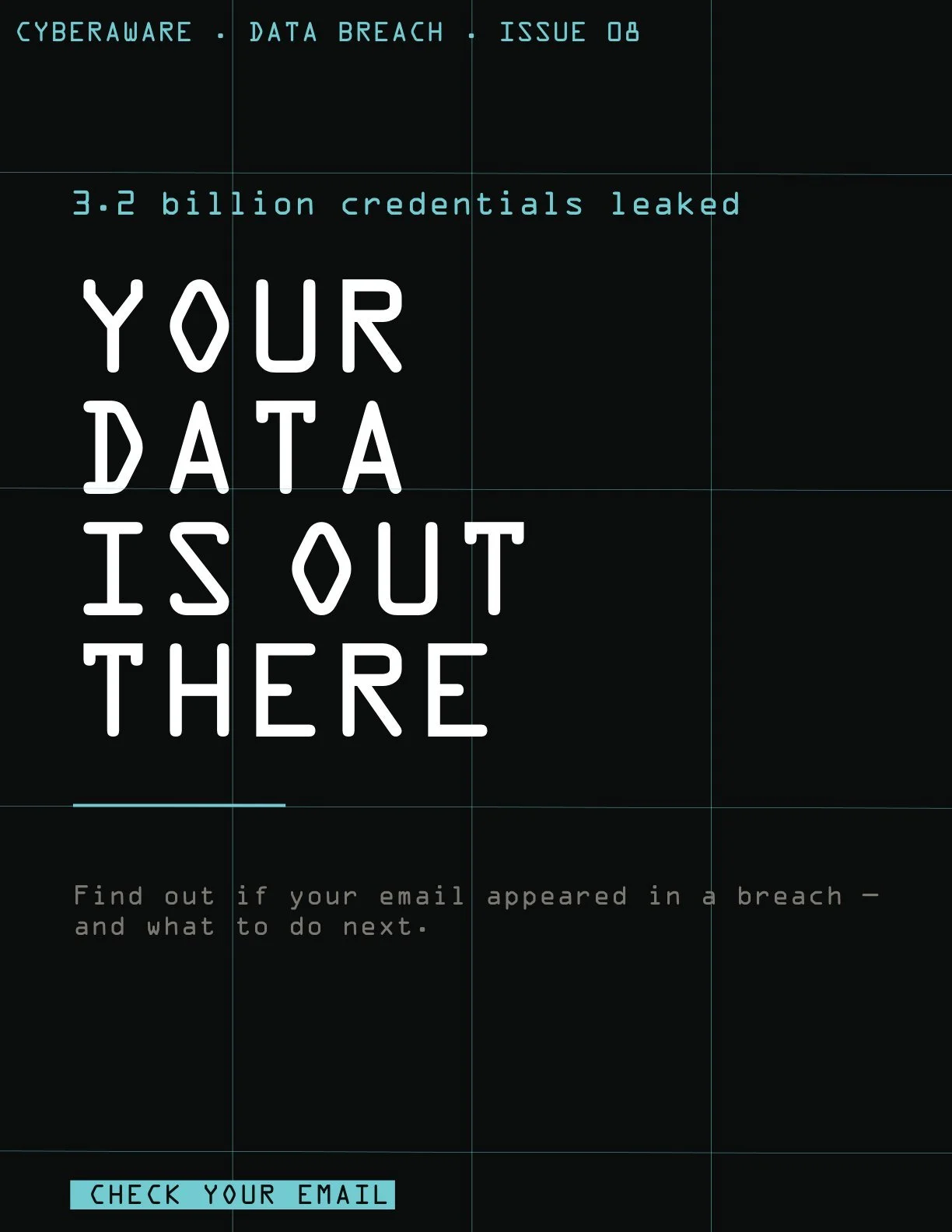
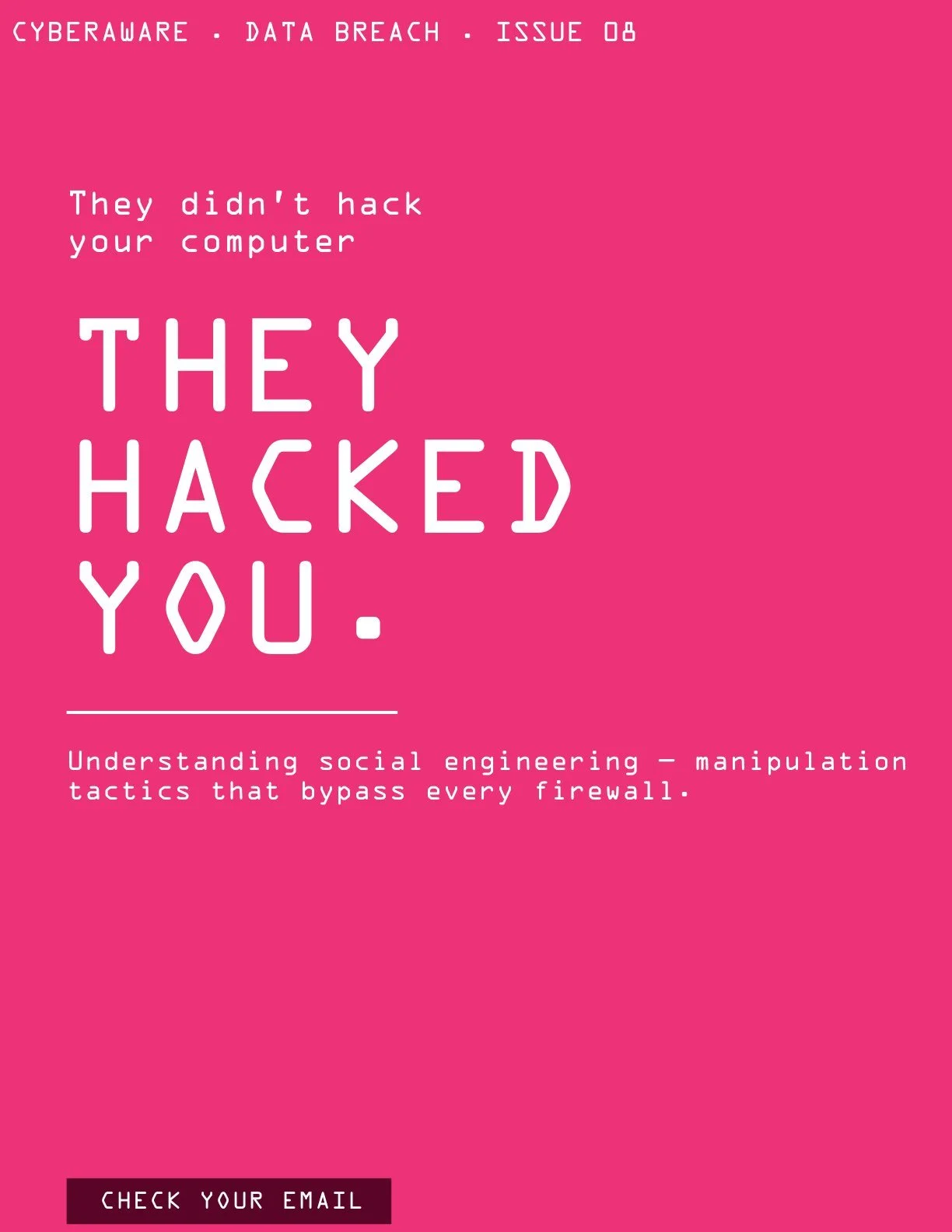
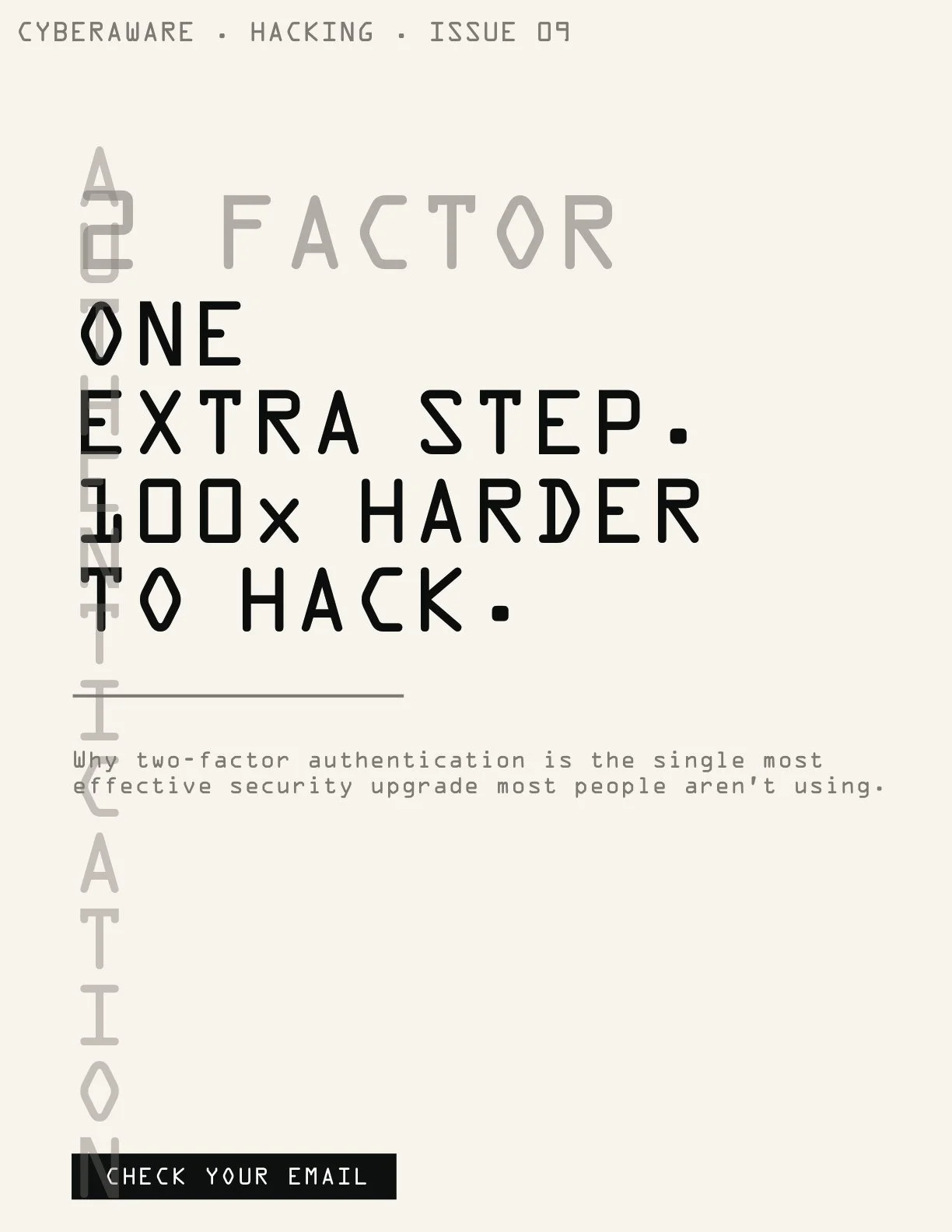
Issue 01 and the cover series · 10 issues, one topic each
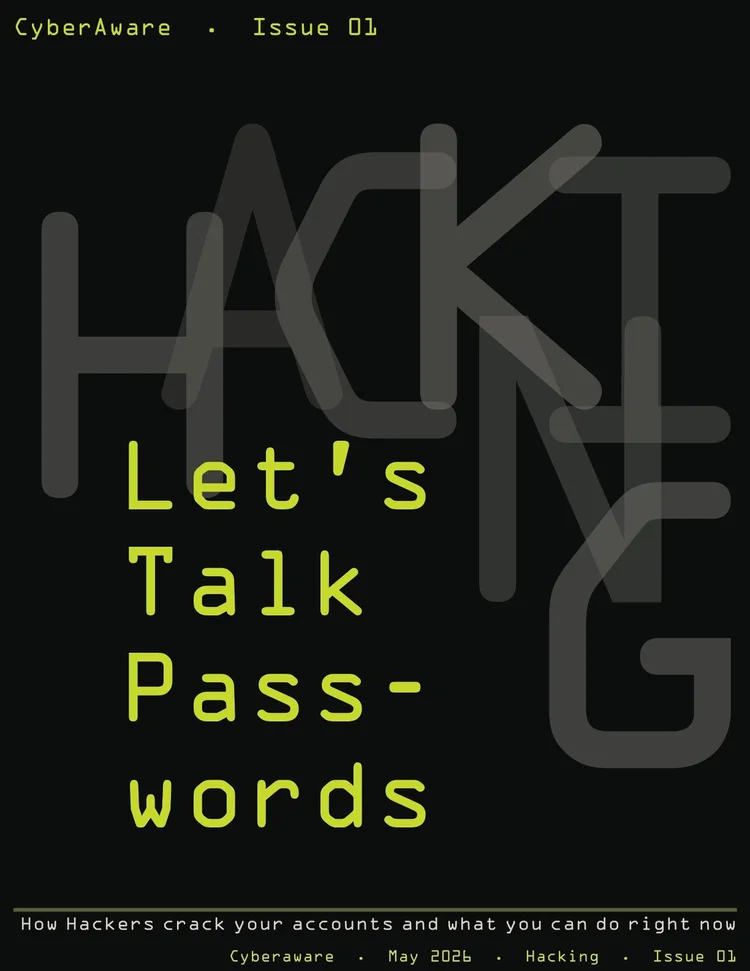
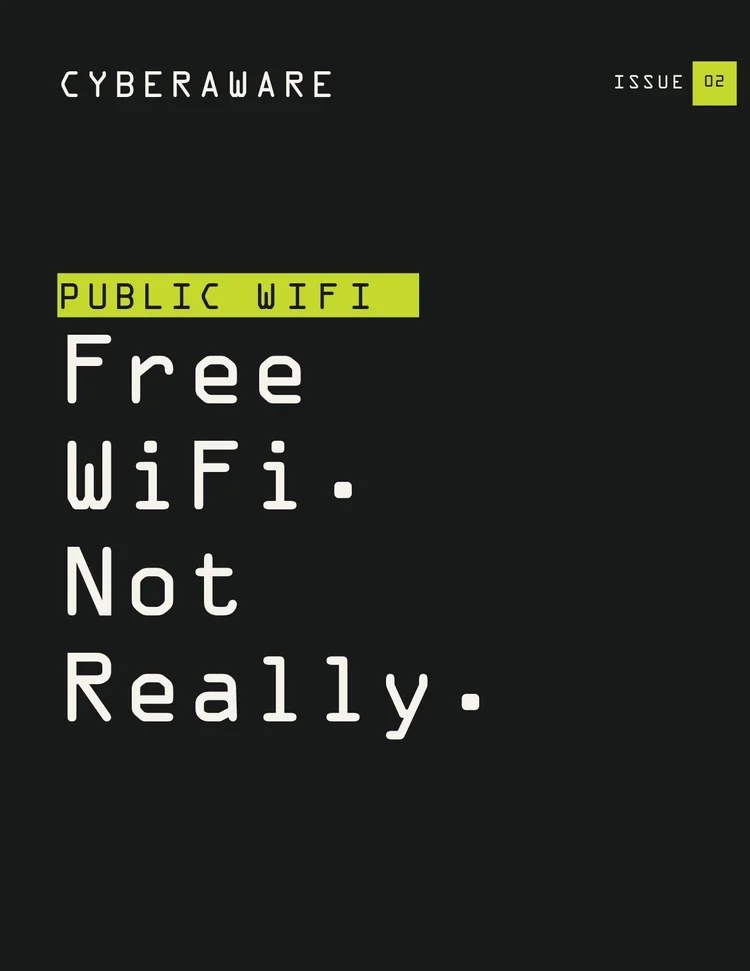
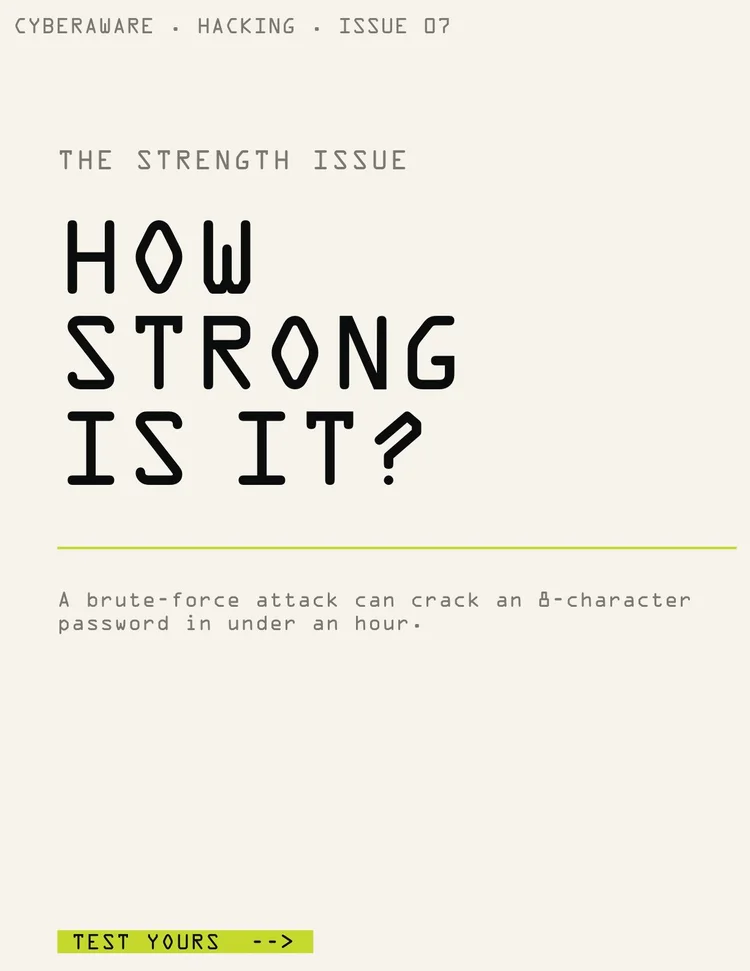
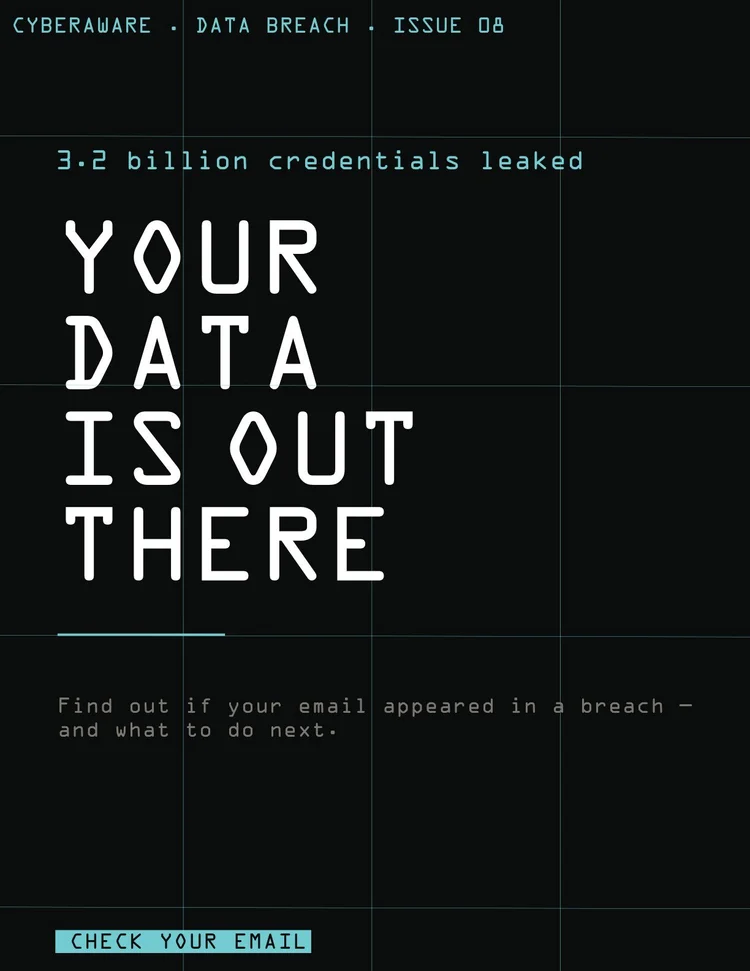
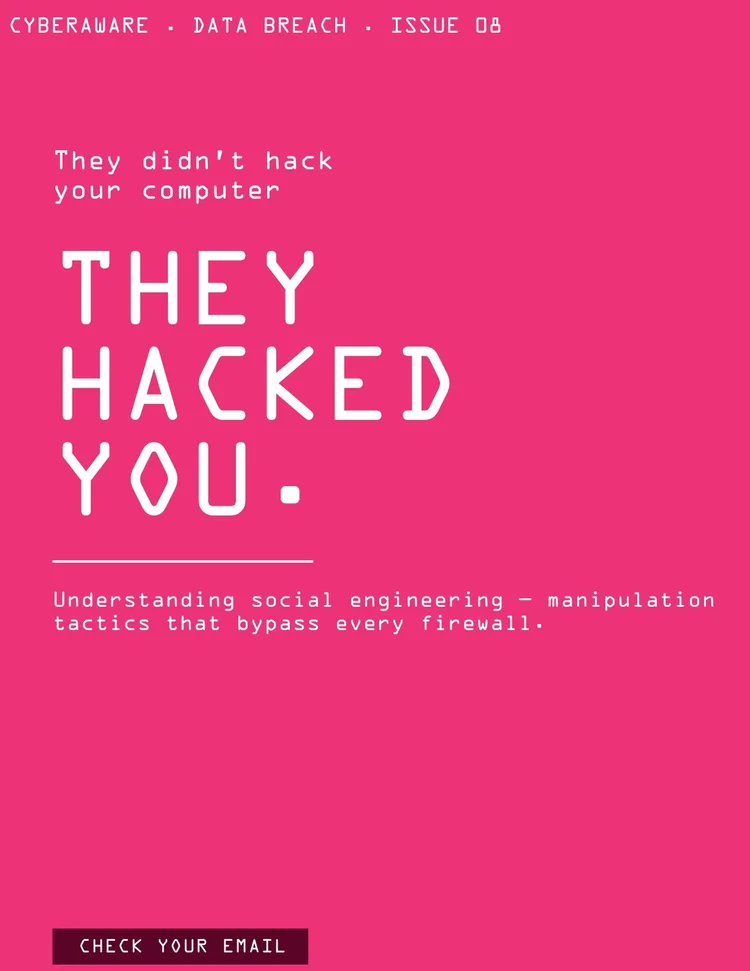
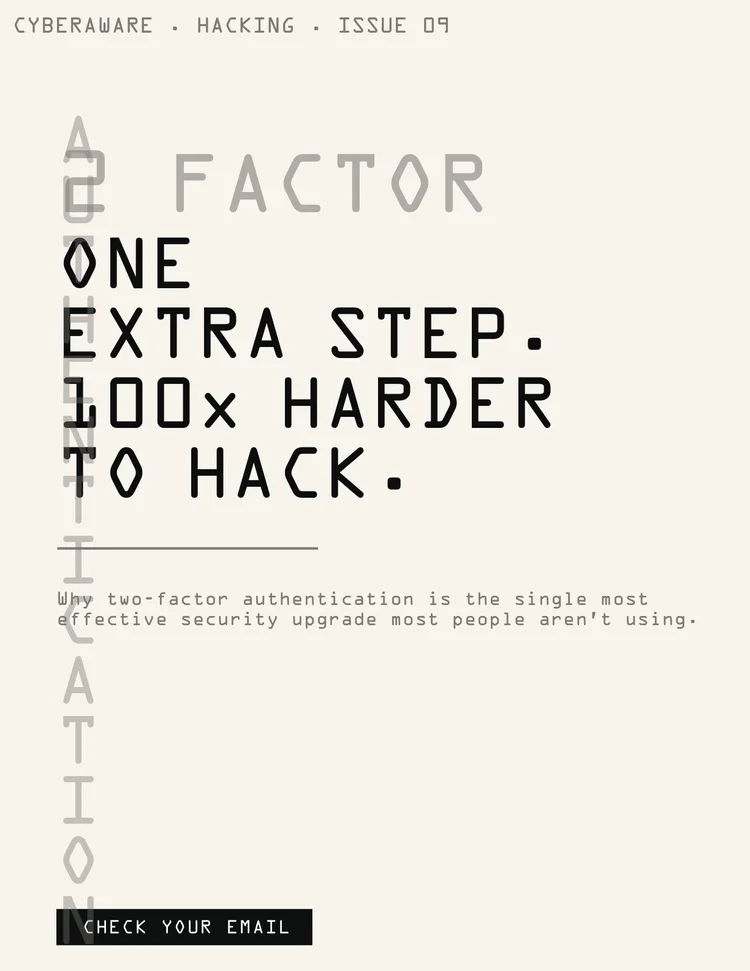
Issue 01 · 20 pages
Every article ends with “What you can do right now.”
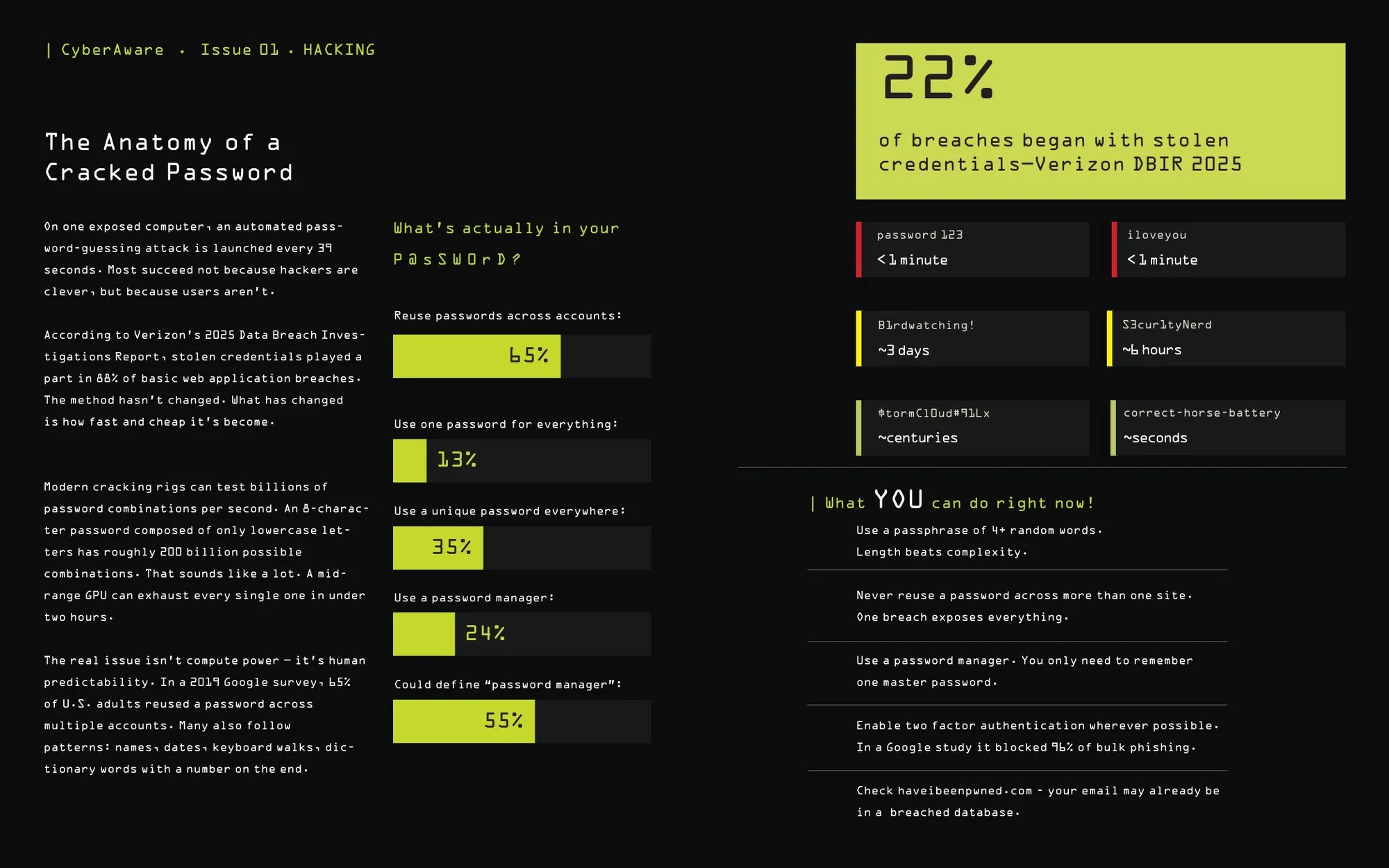
Hacking
The Anatomy of a Cracked Password
Crack times run from “password123” (under a minute) to a random 15-character mix (centuries), followed by five things you can do right now.
Sources: 39-second attack rate on one exposed computer, University of Maryland (2007); 22% and 88%, Verizon Data Breach Investigations Report (2025); password habits, Google/Harris Poll survey of 3,000 U.S. adults (2019); 96% of bulk phishing blocked by SMS codes on Google accounts, Google/NYU/UCSD (2019). Crack times are illustrative.
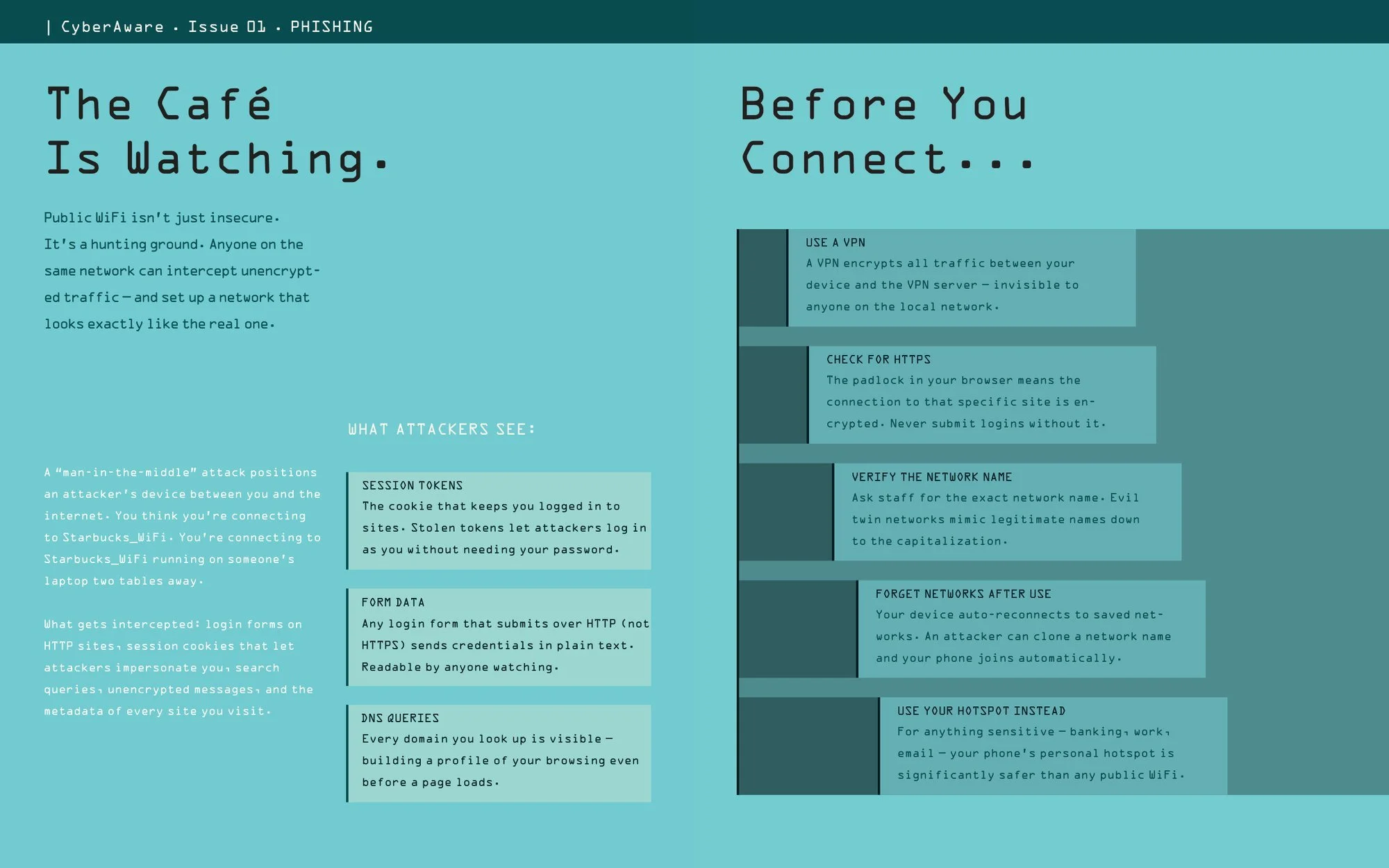
Data stealing
The Café Is Watching
What anyone on the same public WiFi can see, and five habits to adopt before you connect.
Print and screen only work if people find them. How would CyberAware launch?
08 · Rollout
How would CyberAware launch? Print first, so every QR code is in place on launch day.
The plan put posters, brochures and table cards out ahead of the site, so the very first scans would land on live pages.
- Apr 03
QR codes and café table cards designed
- Apr 10
School posters and library brochures designed
- Apr 17
Everything printed
- May 01
Posters and brochures go up
- May 14
Table cards and stickers placed
- May 15
Launch: waitlist email, then Instagram, TikTok and LinkedIn over the morning
After launch · four themed weeks
That’s what I finished in one semester. What would it take to put CyberAware in front of real people?
09 · What’s next
What would it take to launch this for real? Six next steps, starting with what happens after the hack.
Issue 02
A second zine about what to do once you’ve been compromised.
QR distribution
Printed stickers in coffee shops, colleges and libraries.
Finish the activities
Build the other seven, then a phone-sized layout so QR scans land on a page made for mobile.
Browser extension
Flags suspicious URLs, unusual permissions and public WiFi.
Social presence
Instagram and TikTok tips and real phishing examples.
Community reach
Partnering with the places and groups whose people have the most to protect.
Looking back at the whole semester, what would I carry into the next project?
10 · Outcome & reflection
What would I carry forward? Scope is a design decision.
Scope is a design decision
Three pillars made the project possible. Every time I wanted to add a topic, the pillars gave me a reason to say “Issue 02.”
Urgency without fear
The subject naturally pulls toward scare tactics. The hardest part was keeping a “knowledgeable friend” tone while staying honest about the risk.
I cut the paywall
The graded version had paid tiers on a platform meant for people without resources. When I finished the prototype, I made everything free. Access was the point all along.